Products and Platform
Find capabilities and the shared foundation.
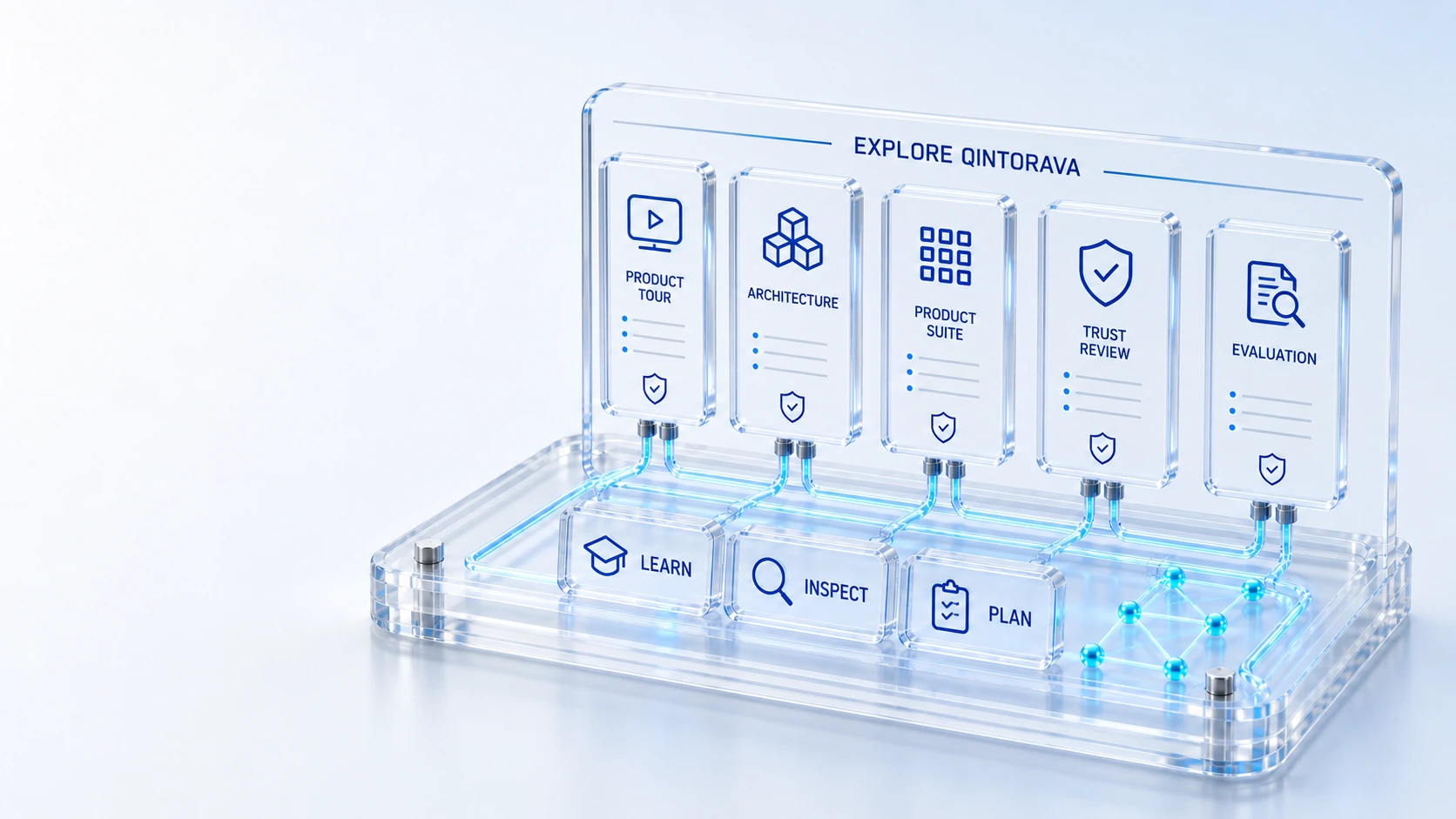
Products and PlatformFind capabilities and the shared foundation.
Solutions and IndustriesExplore operating examples and relevant contexts.
Resources and EvaluationInspect screens, comparisons and business-case tools.
Company and PoliciesReach company, contact and legal information.
TopicProduct
Find every Qintorava product, platform, solution, industry, resource and company page in one searchable site map.
Find capabilities and the shared foundation.
Explore operating examples and relevant contexts.
Inspect screens, comparisons and business-case tools.
Reach company, contact and legal information.
Topic → Product → Evidence → Evaluation
All published destinations, connected through one searchable index.
Human-readable site map
91 pages available
No pages match this search. Try a broader topic or contact Qintorava.
Who this is for
A connected platform needs a clear information path. This site map groups published pages by the questions they answer, while preserving direct access to every canonical destination. Use the search to narrow the list, then follow the related pages and breadcrumbs for context.
Illustrative walkthrough
A visitor interested in hardware recovery can begin with the asset product, read the lifecycle solution, inspect a demo screen and review the business-case or implementation questions. The same approach applies to service, cloud, customer and field topics.
Search for a product, operating challenge or page title. The visible groups retain all destinations when no search is applied. A no-results state provides a clear way to change the query or contact Qintorava rather than silently hiding the rest of the website.
Use a product page for capability detail, a solution for an operating journey and a platform page for the shared foundation. Breadcrumbs show the page’s place in the information structure, including resources, company pages and vendor evaluation routes.
Use the Product Tour, Pricing, ROI and Trust routes to prepare an evaluation. Contact or Book a Demo provides the conversation path when the published material leaves a scope or implementation question unresolved.
For this illustrative evaluation, retain the starting records, the decisions made by each accountable role, and the evidence that supports completion. Agree the scope and acceptance criteria before interpreting a demonstration as production readiness.
Explore the platform
Open a workspace for a closer look.
Prepare the evaluation
These are evaluation criteria, not promised outcomes. Agree the baseline, scope, source coverage and acceptance method with the responsible owners before drawing conclusions.
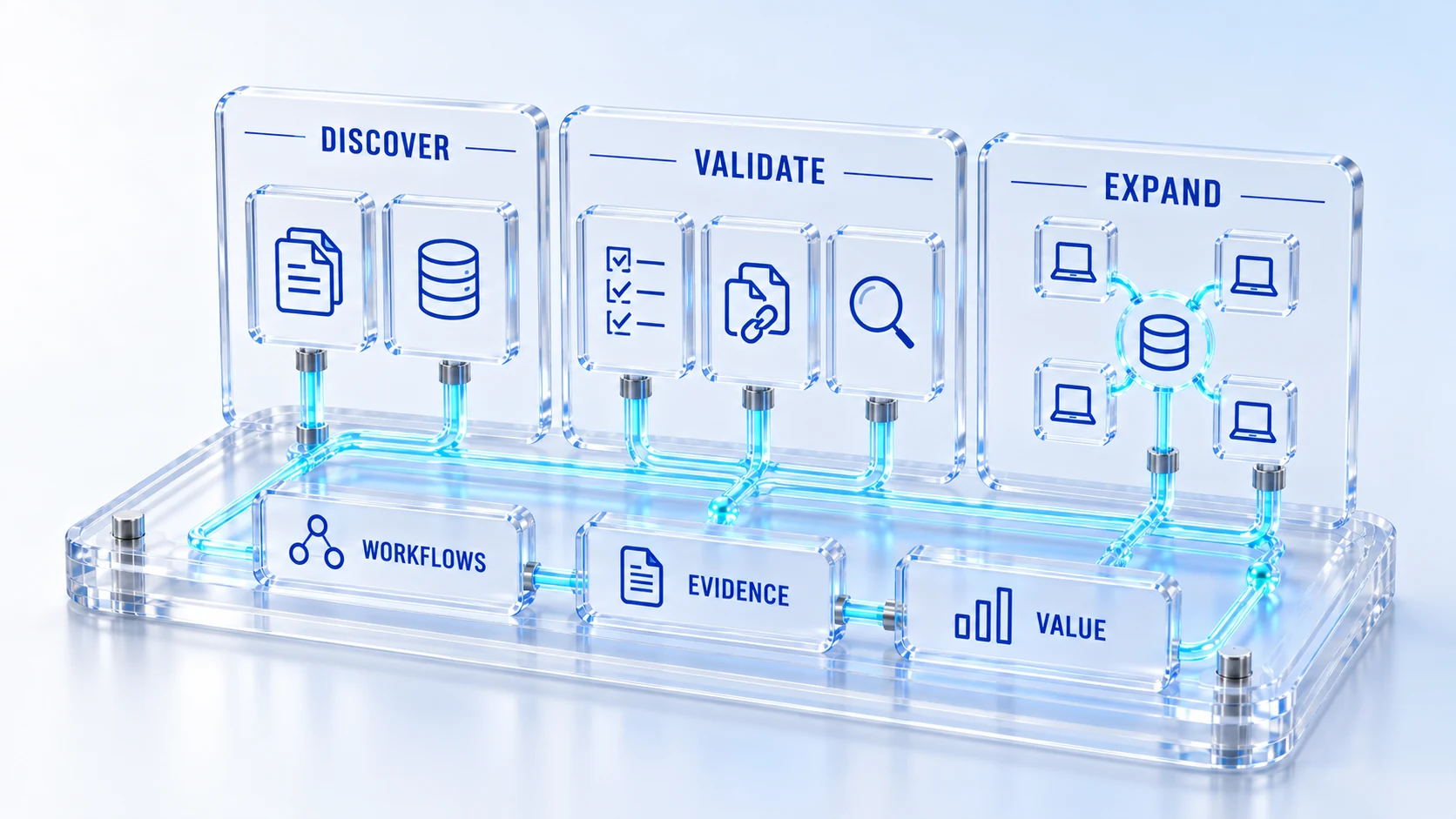
Questions for this topic
The human-readable page groups and describes destinations for visitors. The XML sitemap lists canonical URLs for search engines. Both are generated from the same route inventory so published pages remain discoverable.
Product, platform, solution and industry pages link to their category. Company and resource pages use relevant existing parent destinations. Vendor evaluation pages lead through the comparison framework rather than an unavailable parent URL.
Try the operating problem or the related product area, then use Contact to describe the requirement. A missing search result should not be treated as evidence that a feature is available or unavailable without a scope discussion.