Executive Workspace
Review inventory, capital exposure and lifecycle exceptions.
Executive WorkspaceReview inventory, capital exposure and lifecycle exceptions.
Model Catalog and StockroomsManage hardware models and stored inventory.
Requests and ReplenishmentConnect asset demand with governed supply workflows.
Custody and TransfersTrack assignment and physical lifecycle responsibility.
DemandCustody
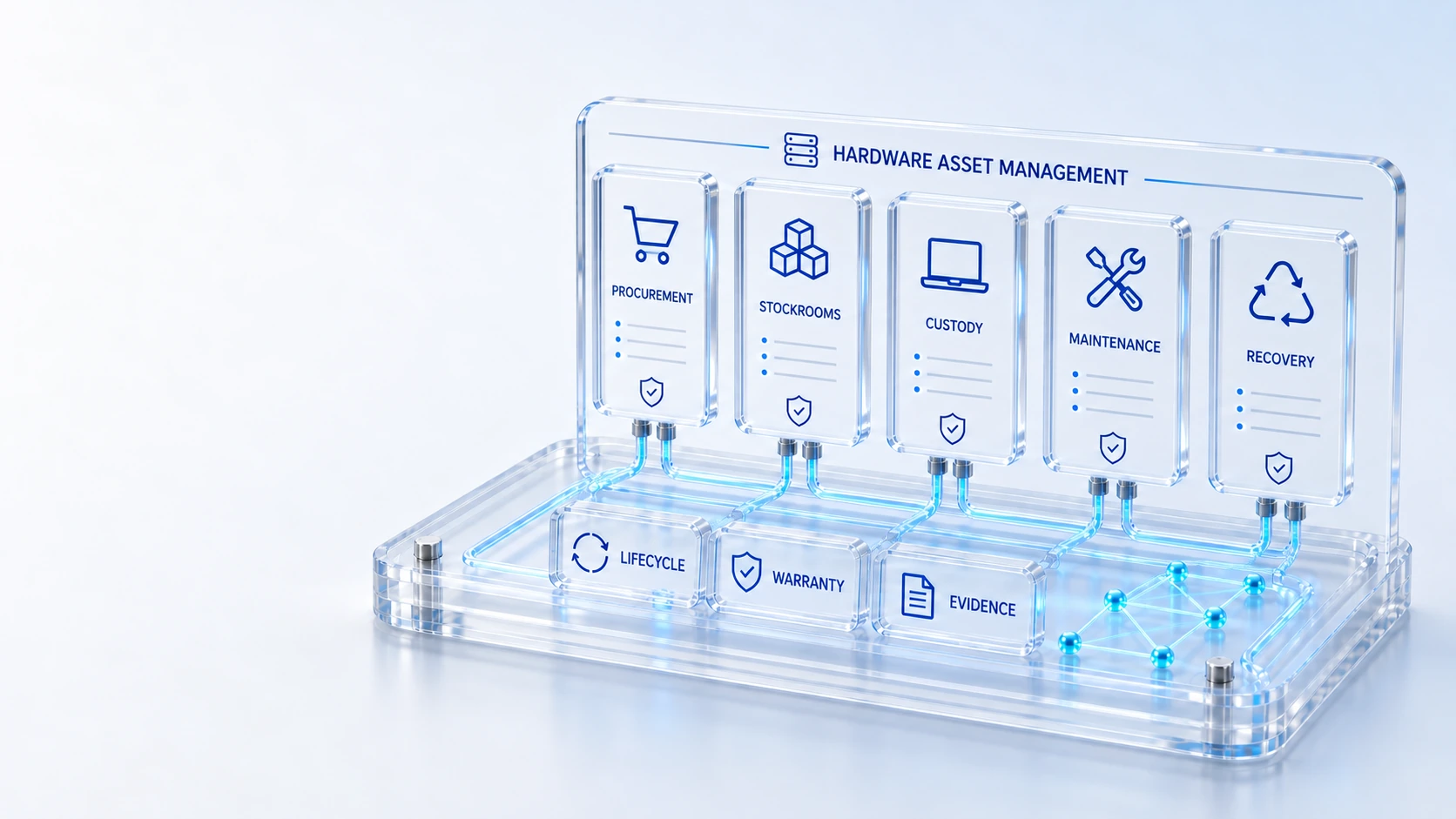
Connect procurement, custody, inventory, stockrooms, warranty, leases, maintenance, disposal and employee recovery to the same hardware CIs.
Review inventory, capital exposure and lifecycle exceptions.
Manage hardware models and stored inventory.
Connect asset demand with governed supply workflows.
Track assignment and physical lifecycle responsibility.
Demand → Custody → Recovery
Explore the details below, then bring your workflow, source data and questions to a guided conversation.
Built into the platform
Review inventory, capital exposure and lifecycle exceptions.
Manage hardware models and stored inventory.
Connect asset demand with governed supply workflows.
Track assignment and physical lifecycle responsibility.
Surface recorded expiry and lifecycle exposure.
Coordinate offboarding recovery and retirement evidence.
Actual product view
See the running demo environment. Features and records are subject to your role, configuration and integrations.
Connected by design
Service records, configuration items, people, locations and evidence share the same operational foundation. Move from investigation to the related asset, service or customer workflow with clear ownership.
Explore the platform architectureImplementation context
Views and actions follow configured roles, permissions, enabled modules and connected source data. Screens show a demonstration environment.
Who this is for
A device can be financially owned yet operationally unaccounted for when procurement, stockrooms and employee custody use separate records. Lifecycle decisions need a shared identity and visible evidence for transfers, warranty exposure and recovery. An evaluation of Hardware Asset Management should make those boundaries inspectable before the team relies on the operating view.
Illustrative walkthrough
A fictional employee transfers offices while another leaves the company. The asset team needs to locate the assigned devices, review stockroom availability and coordinate recovery or reassignment while preserving custody and lifecycle context. This is an illustrative evaluation scenario, not a claim about a customer deployment.
Locate the hardware CI and review its model, procurement context, current assignment and stockroom information before choosing how to fulfill or recover the device. Review inventory, capital exposure and lifecycle exceptions.
Use the applicable request, replenishment or custody transfer workflow to identify responsibility for the device as it moves between people and locations. Connect asset demand with governed supply workflows.
Inspect warranty, lease or maintenance exposure and preserve recovery or disposal evidence when the device reaches offboarding or retirement review. Surface recorded expiry and lifecycle exposure.
Ask to follow one device through its canonical hardware record, current custodian and proposed recovery step, including any warranty or lifecycle exception that changes the decision. Use demonstration records and preserve the applicable reporting scope.
Explore the platform
Open a workspace for a closer look.
Prepare the evaluation
These are evaluation criteria, not promised outcomes. Agree the baseline, scope, source coverage and acceptance method with the responsible owners before drawing conclusions.
Questions for this topic
No. The available workspace connects procurement, model catalogs, custody, stockrooms, requests, warranty, leases, maintenance and recovery to the same hardware configuration records.
Recovery workflows help coordinate return and retirement evidence, while the responsible teams still need to verify physical possession and the condition of the equipment.
The hardware executive workspace includes recorded capital and lifecycle exposure; reviewers should inspect the contributing records and avoid treating incomplete financial inputs as a complete valuation.
Your next operating chapter
Bring one workflow, one service challenge or one part of your estate. We’ll show you where Qintorava fits.