Service Catalog
Help users find and request available services.
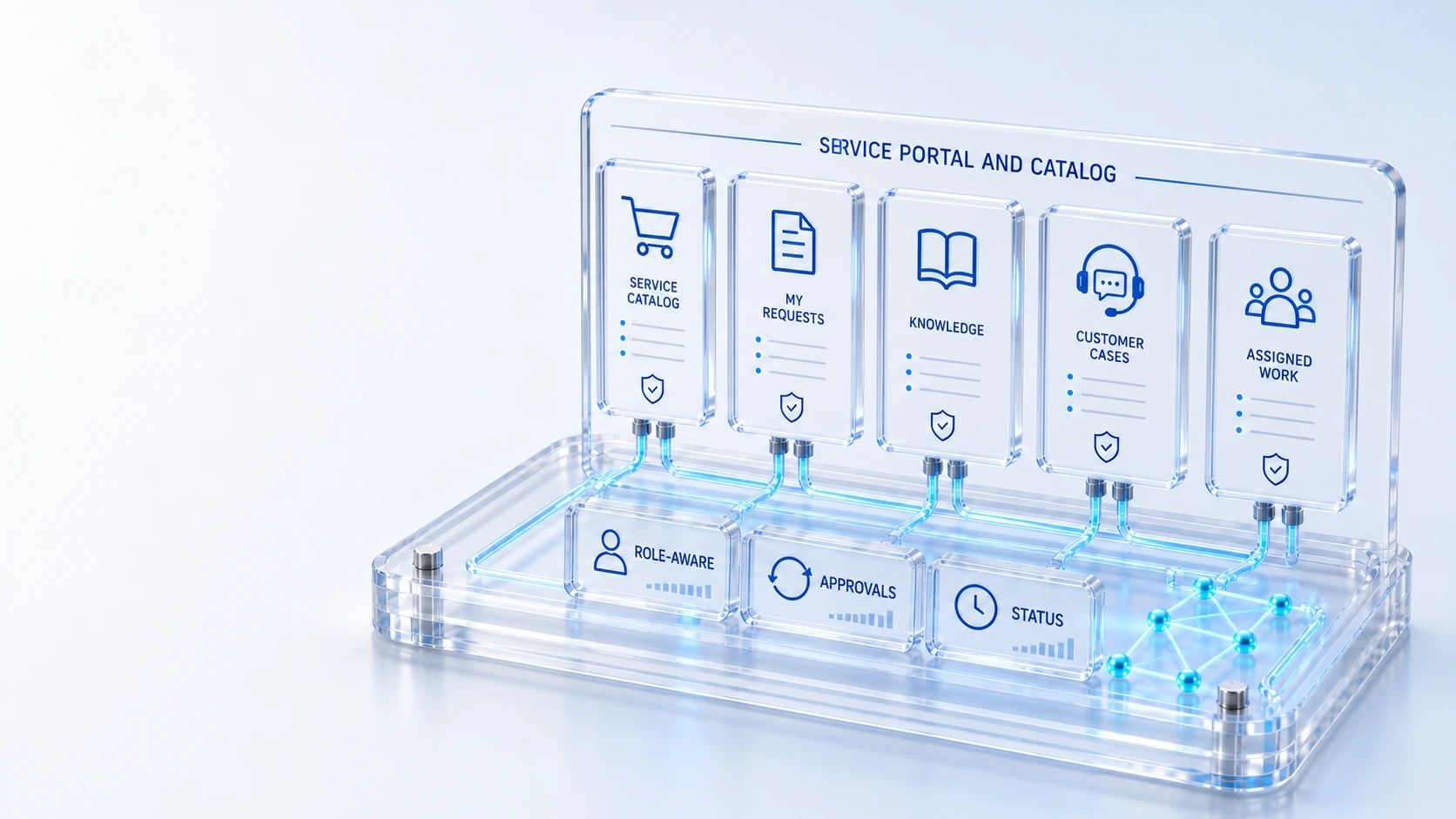
Service CatalogHelp users find and request available services.
My Work and RequestsTrack the service work visible to the signed-in user.
Knowledge AccessFind published help and service information.
Customer ServiceExpose cases and published status within account permissions.
FindRequest
Bring requests, knowledge, approvals, customer service and assigned field work into a role-aware portal.
Help users find and request available services.
Track the service work visible to the signed-in user.
Find published help and service information.
Expose cases and published status within account permissions.
Find → Request → Track
Explore the details below, then bring your workflow, source data and questions to a guided conversation.
Built into the platform
Help users find and request available services.
Track the service work visible to the signed-in user.
Find published help and service information.
Expose cases and published status within account permissions.
Let qualified technicians work assigned field orders.
Respect role, membership and record permissions.
Actual product view
See the running demo environment. Features and records are subject to your role, configuration and integrations.
Connected by design
Service records, configuration items, people, locations and evidence share the same operational foundation. Move from investigation to the related asset, service or customer workflow with clear ownership.
Explore the platform architectureImplementation context
Views and actions follow configured roles, permissions, enabled modules and connected source data. Screens show a demonstration environment.
Who this is for
A single portal can become confusing or expose inappropriate information if employees, customers and suppliers receive the same navigation and record access. Each audience needs a clear request path and visibility limited to its permitted work.
Illustrative walkthrough
A fictional enterprise tests three portal journeys: an employee requesting a service, a customer following a case and a qualified vendor technician inspecting assigned field work. The evaluator checks the user experience and the record boundaries separately.
Use the catalog and published knowledge to locate an available service, then inspect the request context and work visible to the signed-in employee. Help users find and request available services.
Open permitted customer cases and published status while checking that account membership and record access constrain the information displayed to the customer. Find published help and service information.
Review assigned field orders with a qualified technician role and verify that unrelated work or private operational context remains outside that user’s permitted view. Let qualified technicians work assigned field orders.
Repeat the demonstration with representative employee, customer and vendor roles, showing the permitted catalog or work record in each journey and a relevant access boundary. Use demonstration records and preserve the applicable reporting scope.
Explore the platform
Open a workspace for a closer look.
Prepare the evaluation
These are evaluation criteria, not promised outcomes. Agree the baseline, scope, source coverage and acceptance method with the responsible owners before drawing conclusions.
Questions for this topic
No. The verified portal scope includes employee service requests, account-scoped customer service and assigned vendor field work, with available experiences depending on roles and enabled modules.
The collaboration model separates customer-visible communication from internal notes, and portal exposure should follow the configured case, membership and record access controls.
No. A catalog request begins the applicable service workflow; approvals, fulfillment responsibilities and action permissions remain governed by the organization’s configuration and operating process.
Your next operating chapter
Bring one workflow, one service challenge or one part of your estate. We’ll show you where Qintorava fits.