Knowledge Bases
Organize the knowledge available to your organization.
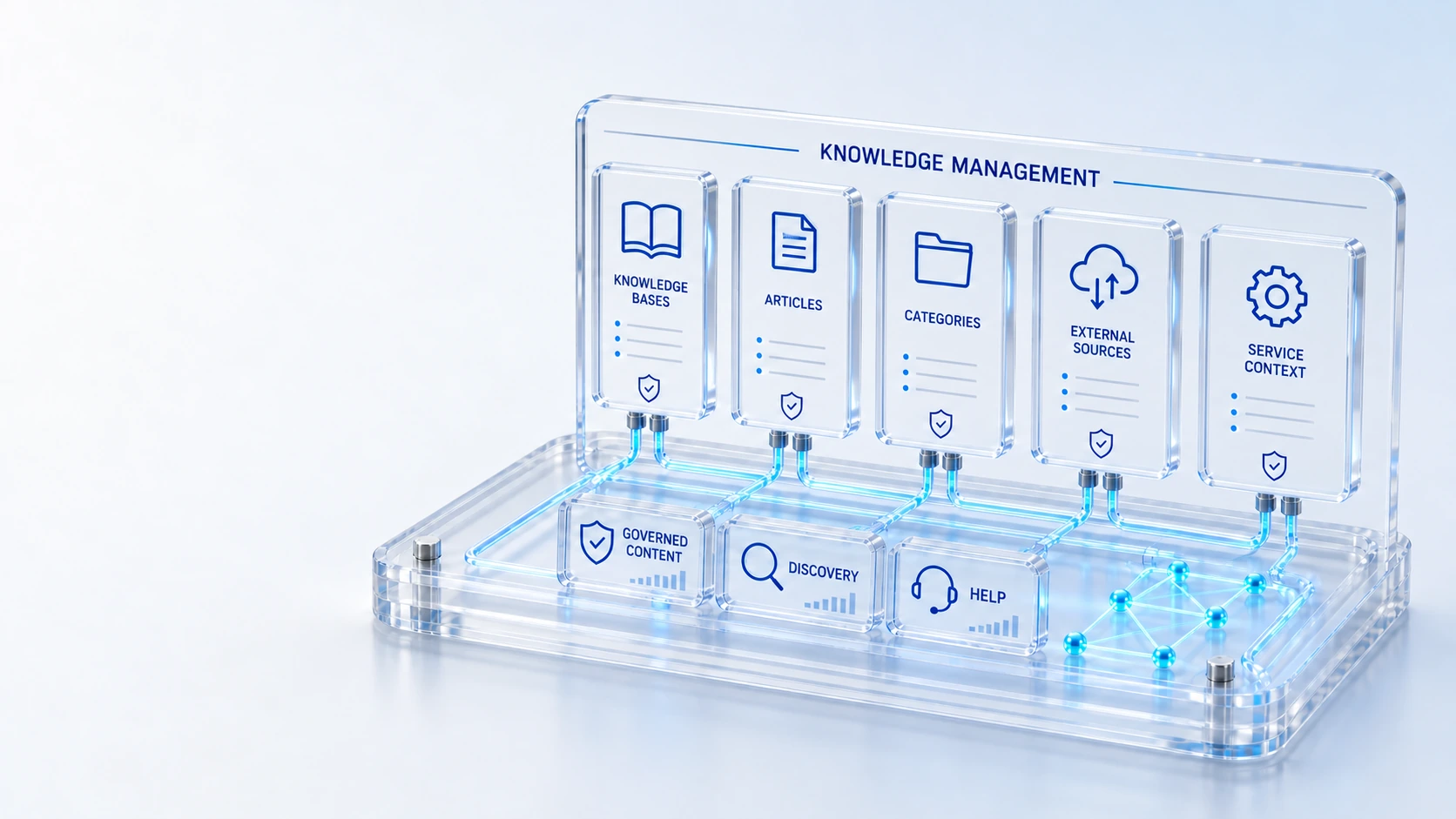
Knowledge BasesOrganize the knowledge available to your organization.
Article RecordsMaintain governed operational knowledge.
CategoriesAlign request and knowledge categorization.
External SourcesConfigure the knowledge sources the platform can use.
OrganizePublish
Manage knowledge bases, categories and external sources, and make knowledge available to service teams and portal users.
Organize the knowledge available to your organization.
Maintain governed operational knowledge.
Align request and knowledge categorization.
Configure the knowledge sources the platform can use.
Organize → Publish → Find
Explore the details below, then bring your workflow, source data and questions to a guided conversation.
Built into the platform
Organize the knowledge available to your organization.
Maintain governed operational knowledge.
Align request and knowledge categorization.
Configure the knowledge sources the platform can use.
Use knowledge alongside incidents and requests.
Give users a path to find help before raising work.
Actual product view
See the running demo environment. Features and records are subject to your role, configuration and integrations.
Connected by design
Service records, configuration items, people, locations and evidence share the same operational foundation. Move from investigation to the related asset, service or customer workflow with clear ownership.
Explore the platform architectureImplementation context
Views and actions follow configured roles, permissions, enabled modules and connected source data. Screens show a demonstration environment.
Who this is for
Helpful information is difficult to reuse when articles, categories and external sources are disconnected from the work users are trying to complete. Teams need governed knowledge records and a clear path from portal discovery to service context.
Illustrative walkthrough
A fictional employee seeks help with an access issue while an analyst investigates a related request. The knowledge owner wants both users to find the appropriate published guidance and understand its operational context without exposing unrestricted external material.
Review knowledge bases and article records, then align their categories with the service request topics the organization expects employees and agents to use. Organize the knowledge available to your organization.
Inspect configured external knowledge sources and the operational knowledge relevant to the current incident or request before relying on an article as guidance. Align request and knowledge categorization.
Find help through the service portal and compare the result with the knowledge available alongside the agent record, respecting each audience and its permissions. Use knowledge alongside incidents and requests.
Have an employee and an agent find guidance for the same illustrative service issue, then show the article record, category and configured source behind the selected information. Use demonstration records and preserve the applicable reporting scope.
Explore the platform
Open a workspace for a closer look.
Prepare the evaluation
These are evaluation criteria, not promised outcomes. Agree the baseline, scope, source coverage and acceptance method with the responsible owners before drawing conclusions.
Questions for this topic
Yes. Knowledge is available alongside incidents and requests so service teams can examine relevant guidance in context rather than searching an unrelated repository.
No. External sources are configured, and the evaluation should establish which sources, records and audience permissions are actually available for the proposed knowledge experience.
No. Portal discovery creates a self-service path, but successful resolution and any reduction in requests require measurement against the organization’s own baseline and user outcomes.
Your next operating chapter
Bring one workflow, one service challenge or one part of your estate. We’ll show you where Qintorava fits.