Bring Your Workflow
Share the service, asset or customer journey you want to inspect.
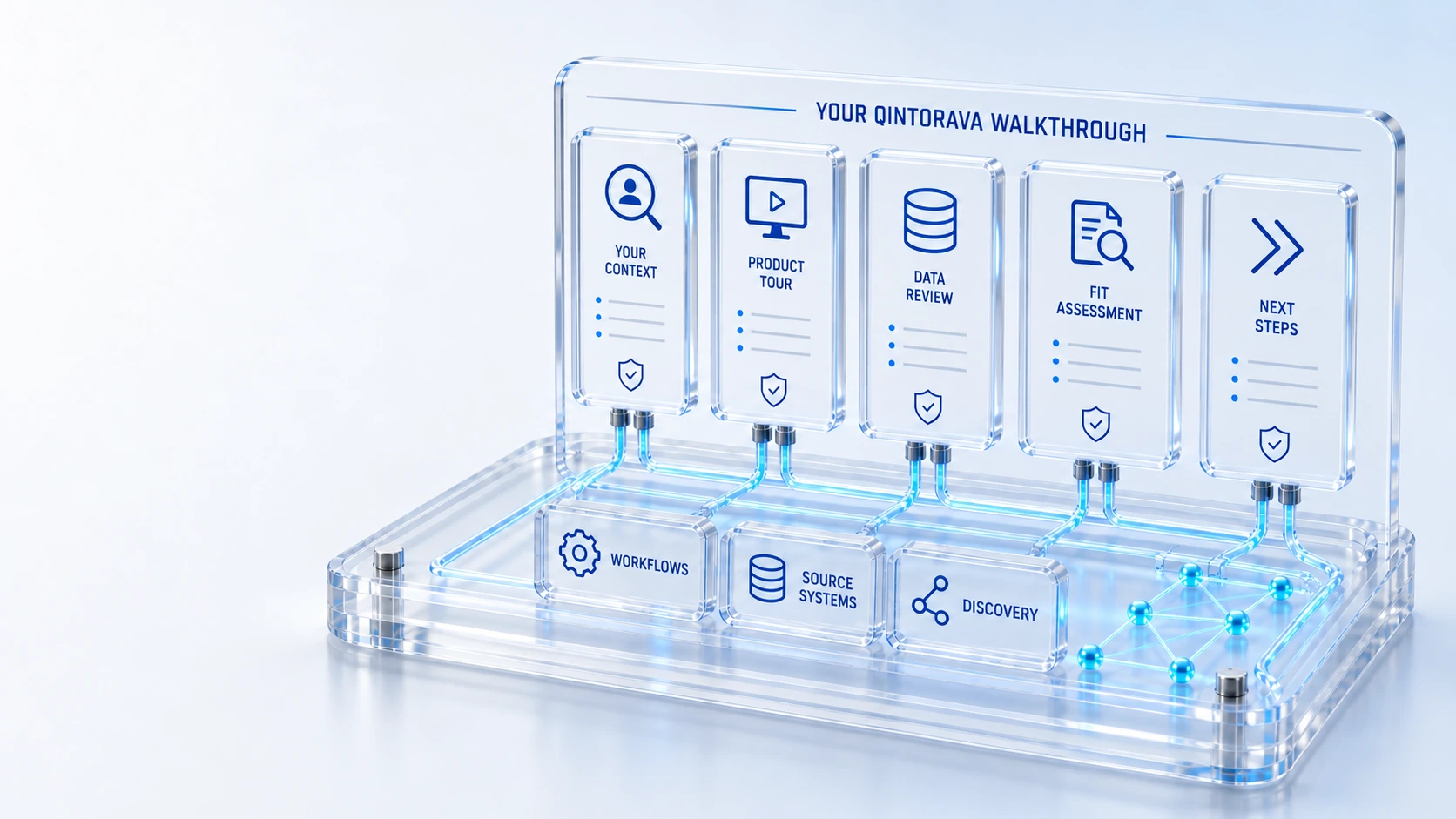
Bring Your WorkflowShare the service, asset or customer journey you want to inspect.
See Connected WorkspacesFollow the records, relationships and permitted actions.
Review the Implementation FitDiscuss roles, source data, configuration and integrations.
Agree a Next StepDefine evaluation scope and the evidence you need.
Your contextGuided review
Get a guided walkthrough around your service challenge, asset lifecycle, infrastructure estate or customer journey.
Share the service, asset or customer journey you want to inspect.
Follow the records, relationships and permitted actions.
Discuss roles, source data, configuration and integrations.
Define evaluation scope and the evidence you need.
Your context → Guided review → Next step
Explore the details below, then bring your workflow, source data and questions to a guided conversation.
Your guided walkthrough
Share your teams, workflows, source systems and goals.
See the relevant workspaces and follow the relationships between them.
Discuss configuration, integrations, evaluation scope and success criteria.
Use business contact information and a non-sensitive description. Read our Privacy Policy and Website Terms. Do not submit passwords, tokens or confidential customer records.
Who this is for
A tailored demonstration should connect the platform to a decision your team needs to make. The most useful agenda includes a starting record, the responsible roles, the handoffs to inspect and the evidence that would establish fit. It should not depend on exposing sensitive production information.
Illustrative walkthrough
An enterprise wants to see a service request in the context of a device’s recorded custody and lifecycle. The demonstration can introduce the relevant workspaces and then inspect the responsibilities, sources and handbacks involved.
Describe the operating challenge, participating teams and the record you want the walkthrough to start from. Choose the product areas that contribute to the scenario. Identify the decisions the demonstration should help resolve rather than asking only for a broad feature presentation.
Follow the request, related asset or configuration context and the accountable work. Ask to distinguish captured product views from live behavior, and observed capability from configuration or integration work. Review missing-data and permission cases where they matter to your requirements.
Record open questions, data prerequisites and a practical acceptance script for the proposed scope. Discuss implementation and commercial responsibilities separately. A demonstration is an evaluation step, not a contract, guaranteed result or production readiness approval.
For this illustrative evaluation, retain the starting records, the decisions made by each accountable role, and the evidence that supports completion. Agree the scope and acceptance criteria before interpreting a demonstration as production readiness.
Explore the platform
Open a workspace for a closer look.
Prepare the evaluation
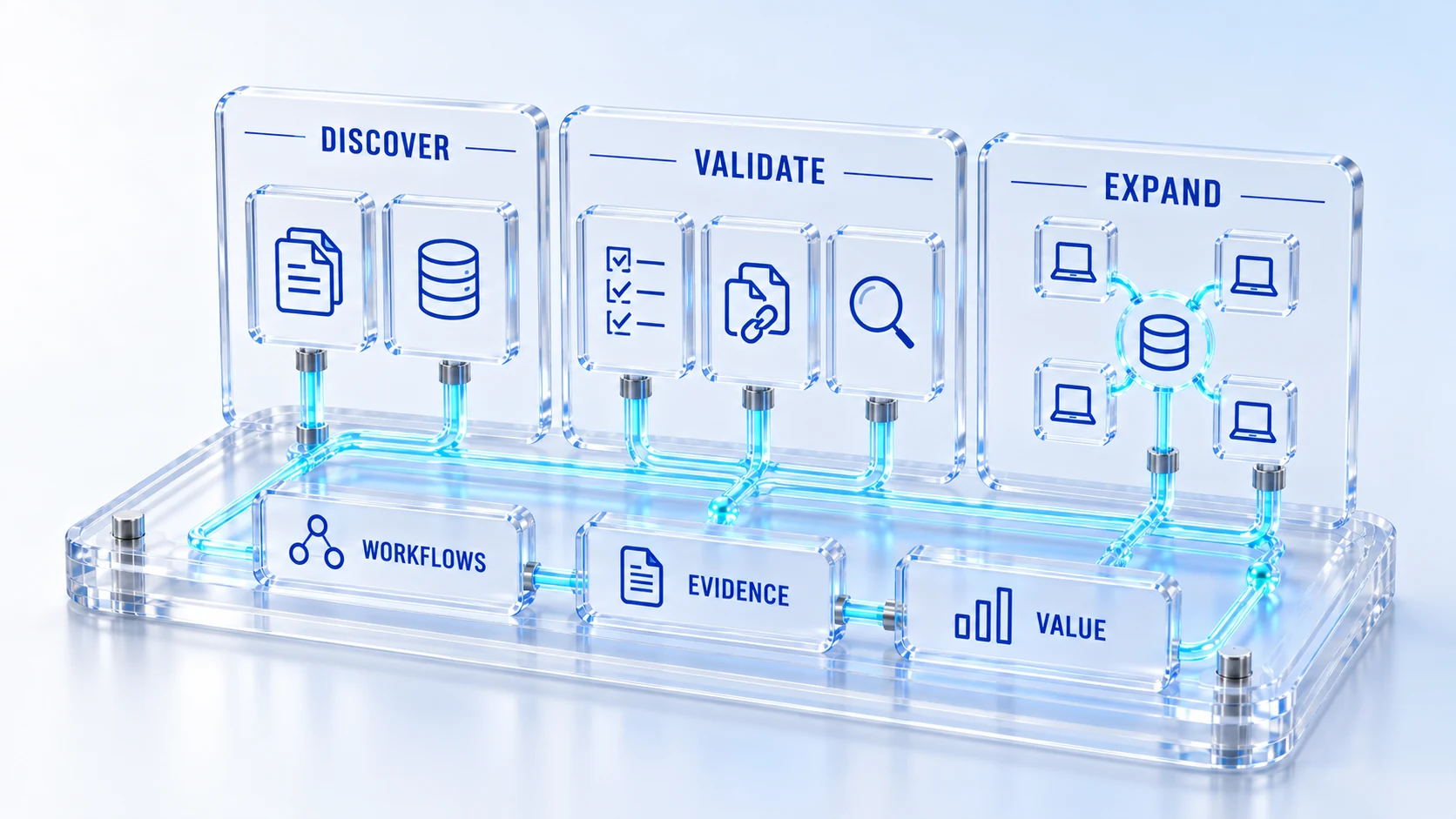
These are evaluation criteria, not promised outcomes. Agree the baseline, scope, source coverage and acceptance method with the responsible owners before drawing conclusions.
Questions for this topic
Bring a concise workflow description, the roles involved, relevant source systems and the questions that would establish fit. Use anonymized or synthetic information initially and agree an appropriate process before sharing confidential records.
Yes, when they contribute to the selected journey. A customer-to-field example or request-to-asset example can span several workspaces. Keep responsibilities, enabled scope and source-data assumptions visible throughout the demonstration.
No. The form arranges a discussion and the associated follow-up. Product subscriptions, implementation obligations, support commitments and data-processing terms are established through the applicable written agreements.
Your next operating chapter
Bring one workflow, one service challenge or one part of your estate. We’ll show you where Qintorava fits.