Explore Eleven Workspaces
Browse genuine product captures, rather than simulated consoles.
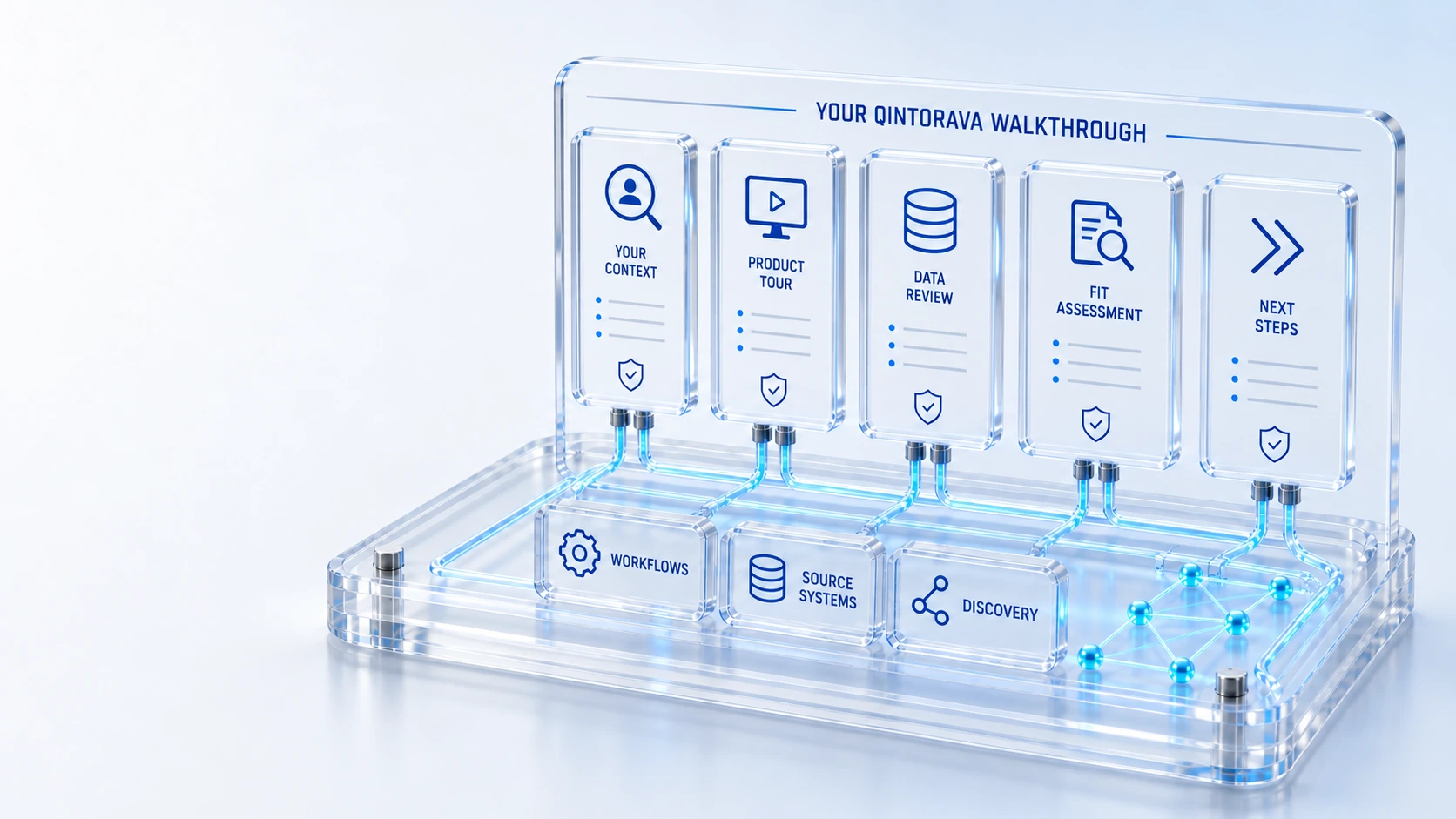
Explore Eleven WorkspacesBrowse genuine product captures, rather than simulated consoles.
Inspect the RecordsLook at service demand, assets, configuration and customer context.
Read the Capture ContextScreens use synthetic demonstration data and role-based access.
Arrange a Guided SessionBring a workflow and ask how the records connect.
Your contextGuided review
Explore captured workspaces from the live demo, with a guided walkthrough available for your service journey.
Browse genuine product captures, rather than simulated consoles.
Look at service demand, assets, configuration and customer context.
Screens use synthetic demonstration data and role-based access.
Bring a workflow and ask how the records connect.
Your context → Guided review → Next step
Explore the details below, then bring your workflow, source data and questions to a guided conversation.
Inside the platform
Actual screens from the running Qintorava demonstration environment. Choose a workspace to explore.
Application access may require sign-in. Screens are captured product views, not customer performance results.
Who this is for
A demonstration should answer an operating question. The library organizes captured product views around tasks such as service recovery, asset lifecycle, software review, cloud scope and field handback. It provides agendas to discuss, not a collection of video recordings that have not been published.
Illustrative walkthrough
A customer case needs technical investigation and a qualified on-site action. A useful agenda follows the case, the affected asset or service, the field work and the final support handback while keeping each team responsible for its own decisions.
Choose the case or service issue, the synthetic data to use and the roles that will participate. Identify the coverage and location context needed for the example. A clear starting condition makes it easier to assess the demonstrated handoff.
Review customer service and field work, then the technical or asset context required by the scenario. Ask which records and decisions are configured, which depend on source data and which require integration work. Keep a list of observations and unresolved questions.
Use the demonstration to agree a bounded acceptance script, implementation prerequisites and responsible owners. A later session can explore hardware recovery, software renewal, cloud billing or datacenter dependencies using the same evidence-oriented approach.
For this illustrative evaluation, retain the starting records, the decisions made by each accountable role, and the evidence that supports completion. Agree the scope and acceptance criteria before interpreting a demonstration as production readiness.
Explore the platform
Open a workspace for a closer look.
Prepare the evaluation
These are evaluation criteria, not promised outcomes. Agree the baseline, scope, source coverage and acceptance method with the responsible owners before drawing conclusions.
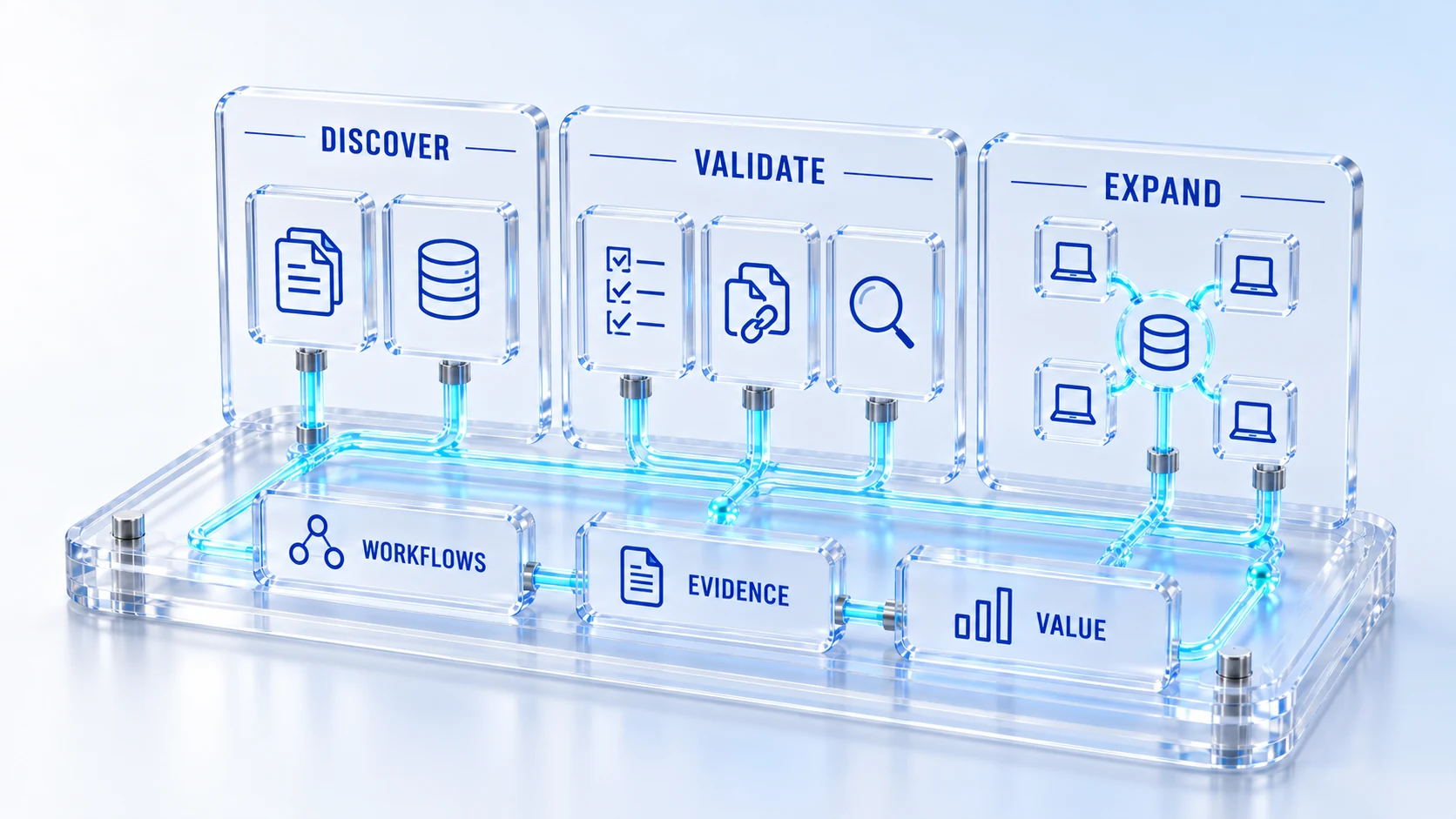
Questions for this topic
This library currently provides captured workspace views and task-based demonstration agendas. It does not present an unavailable recording as a playable video. Request a guided session when you want to examine live behavior.
Describe the workflow and its handoffs using non-sensitive information. Qintorava can discuss a relevant agenda and the data needed for an evaluation. Confidential records should be shared only through an agreed process and appropriate terms.
Bring the operating challenge, the roles involved, relevant source-system questions and a definition of useful evidence. Invite the people who own the handoffs so product fit and implementation responsibilities can be discussed together.
Your next operating chapter
Bring one workflow, one service challenge or one part of your estate. We’ll show you where Qintorava fits.