Product Tour
Explore actual demo screenshots and workspaces.
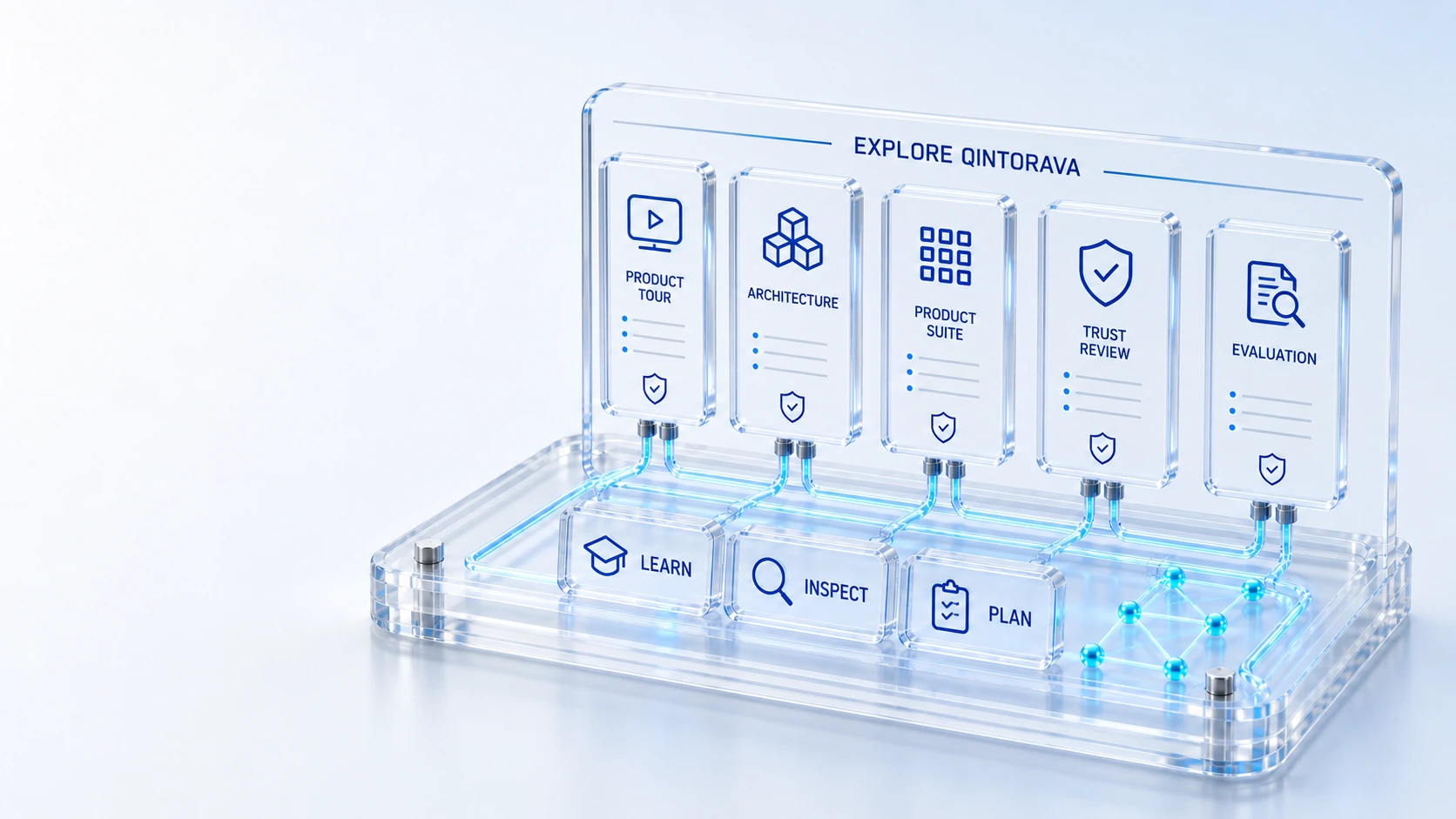
Product TourExplore actual demo screenshots and workspaces.
Platform ArchitectureInspect the shared operational foundation.
Product SuiteFind the capabilities relevant to your teams.
Trust & SecurityPlan an access, data and governance review.
ExploreInspect
Use the product tour, architecture, capability pages and evaluation paths to get closer to Qintorava.
Explore actual demo screenshots and workspaces.
Inspect the shared operational foundation.
Find the capabilities relevant to your teams.
Plan an access, data and governance review.
Explore → Inspect → Evaluate
Explore the details below, then bring your workflow, source data and questions to a guided conversation.
Explore actual demo screenshots and workspaces.
Explore 02 / CONNECTED PLATFORMInspect the shared operational foundation.
Explore 03 / CONNECTED PLATFORMFind the capabilities relevant to your teams.
Explore 04 / CONNECTED PLATFORMPlan an access, data and governance review.
Explore 05 / CONNECTED PLATFORMBuild a practical evaluation checklist.
Explore 06 / CONNECTED PLATFORMWalk through a connected workflow with Qintorava.
ExploreWho this is for
Different questions need different resources. An operational specialist may want a workspace screen, an architect may need record and access context, and a sponsor may need a financial scenario. This resource hub connects those paths without pretending that an unpublished whitepaper or video is available.
Illustrative walkthrough
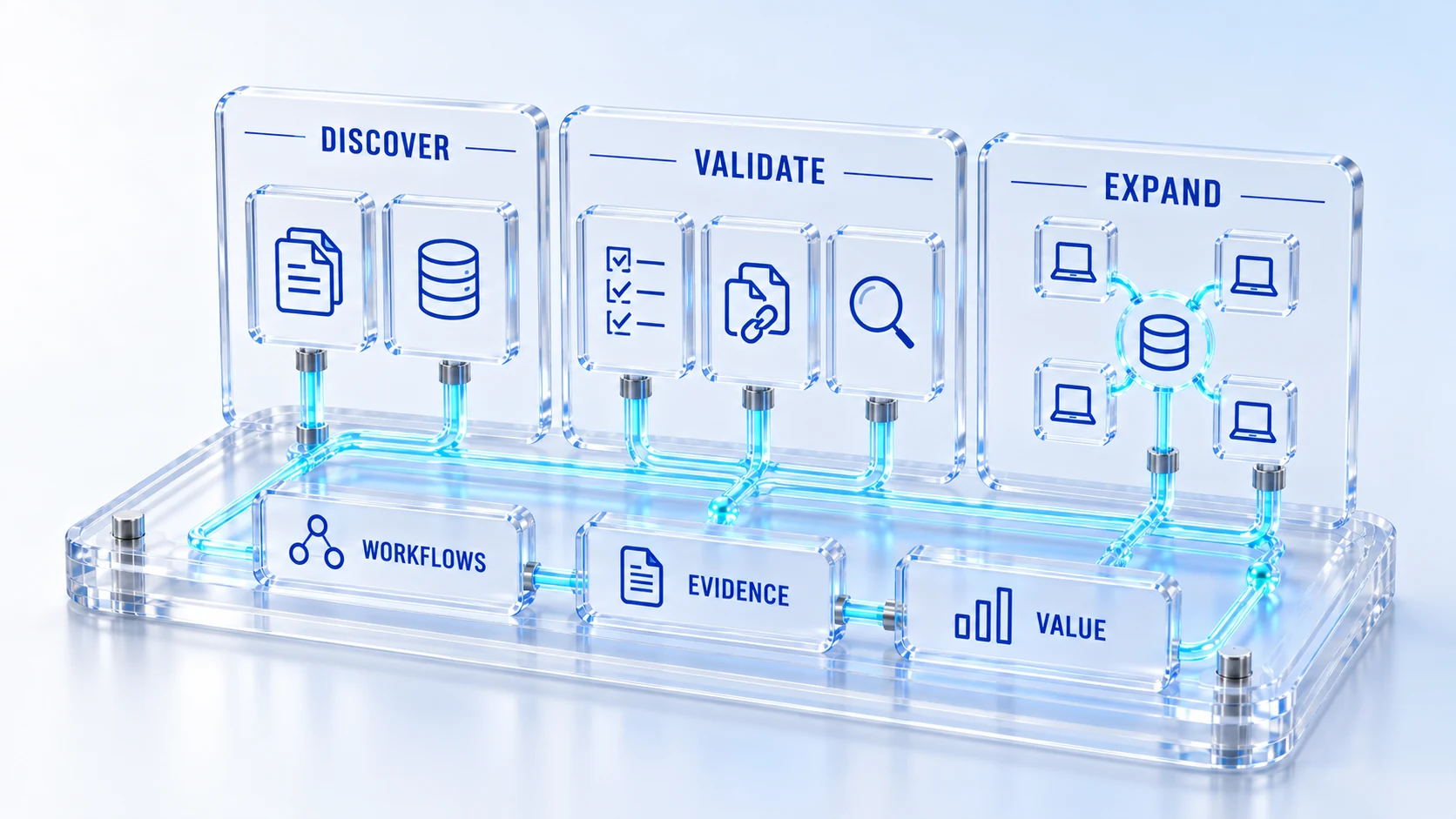
Start with one question: what work should the platform help connect? Use the product tour for a first look, then follow the relevant product, platform, solution and evaluation links to reach a concrete next discussion.
Open the Product Tour to inspect genuine captured workspaces, then read the product page that matches your operating need. The page-specific examples and FAQs explain context beyond the screen. Concept artwork is labeled separately from actual product evidence.
Use Architecture, Trust, Security and the relevant platform topics to identify record models, roles, source data and integration boundaries. Gather unresolved questions for a guided walkthrough. Public resources introduce the review; they do not replace deployment-specific evidence or agreements.
Use the comparison framework and pricing guidance to match scope, then build an illustrative ROI scenario with validated assumptions. Involve Finance and the operational owners. Request a demonstration that addresses the remaining questions using approved sample or synthetic data.
For this illustrative evaluation, retain the starting records, the decisions made by each accountable role, and the evidence that supports completion. Agree the scope and acceptance criteria before interpreting a demonstration as production readiness.
Explore the platform
Open a workspace for a closer look.
Prepare the evaluation
These are evaluation criteria, not promised outcomes. Agree the baseline, scope, source coverage and acceptance method with the responsible owners before drawing conclusions.
Questions for this topic
Start with the Product Tour and a product page relevant to your work. Then explore a solution example and the platform foundation behind it. The guided demo can focus on the remaining questions rather than repeating a broad overview.
Executive Value, Pricing, Compare and the ROI calculator connect scope and assumptions with a business case. The generated presentation is illustrative and should be reviewed against validated costs, benefits, implementation responsibilities and matched proposals.
The hub links to published website pages and working tools. It does not claim downloadable papers, certification reports or video recordings that are not supplied. Contact Qintorava for materials needed for a specific enterprise review.
Your next operating chapter
Bring one workflow, one service challenge or one part of your estate. We’ll show you where Qintorava fits.