Account-Aware Cases
Validate customer, contact and affected-CI relationships.
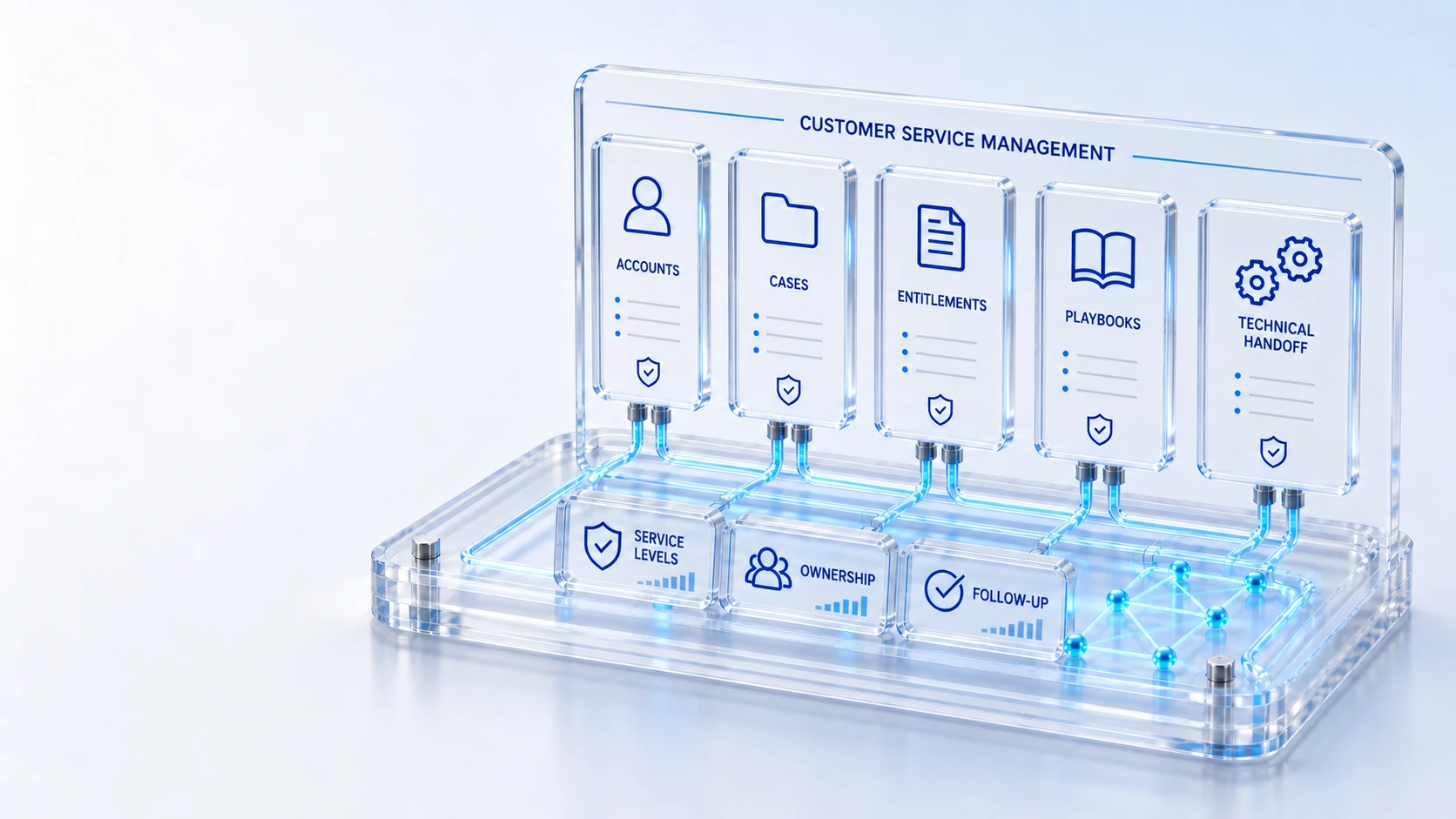
Account-Aware CasesValidate customer, contact and affected-CI relationships.
Coverage and EntitlementsMatch configured contracts and service coverage.
Case PlaybooksGuide support work through defined tasks and checkpoints.
Major CasesCoordinate wider customer issues and related work.
CaseRecovery
Connect account context, installed assets, entitlements, business service levels, playbooks, major cases and technical recovery.
Validate customer, contact and affected-CI relationships.
Match configured contracts and service coverage.
Guide support work through defined tasks and checkpoints.
Coordinate wider customer issues and related work.
Case → Recovery → Follow-up
Explore the details below, then bring your workflow, source data and questions to a guided conversation.
Built into the platform
Validate customer, contact and affected-CI relationships.
Match configured contracts and service coverage.
Guide support work through defined tasks and checkpoints.
Coordinate wider customer issues and related work.
Link incidents, outages and field work without losing the case.
Separate internal notes from customer-visible communication.
Actual product view
See the running demo environment. Features and records are subject to your role, configuration and integrations.
Connected by design
Service records, configuration items, people, locations and evidence share the same operational foundation. Move from investigation to the related asset, service or customer workflow with clear ownership.
Explore the platform architectureImplementation context
Views and actions follow configured roles, permissions, enabled modules and connected source data. Screens show a demonstration environment.
Who this is for
Customer support becomes fragmented when case agents cannot establish the affected account, installed asset or entitlement. Technical recovery must remain connected to the customer case without exposing internal investigation notes as published communication. An evaluation of Customer Service Management should make those boundaries inspectable before the team relies on the operating view.
Illustrative walkthrough
A fictional business customer reports an issue with supported equipment. The case agent verifies account and coverage, follows a case playbook and links technical incident or field work while keeping customer-visible updates separate from internal notes.
Check the customer, contact and affected CI relationship, then inspect the configured contract and entitlement relevant to the reported issue. Validate customer, contact and affected-CI relationships.
Use the available case playbook tasks and checkpoints, and connect a technical incident, outage or field order when the case requires another operating team. Guide support work through defined tasks and checkpoints.
Inspect the recovery evidence and distinguish internal collaboration from the communication approved for the customer before publishing an update or closing the case. Link incidents, outages and field work without losing the case.
Follow one case from account and entitlement validation through a linked technical recovery record, then show exactly which communication the customer can see under the configured permissions. Use demonstration records and preserve the applicable reporting scope.
Explore the platform
Open a workspace for a closer look.
Prepare the evaluation
These are evaluation criteria, not promised outcomes. Agree the baseline, scope, source coverage and acceptance method with the responsible owners before drawing conclusions.
Questions for this topic
Yes. The available handoff connects cases with incidents, outages and field work while retaining the customer case as the support coordination record.
The collaboration model distinguishes internal work notes from customer-visible communication, and exposure follows the relevant case and account access permissions.
No. Customer, contact, installed asset and configured coverage relationships must be validated; the existence of a case alone should not be treated as proof of contractual service rights.
Your next operating chapter
Bring one workflow, one service challenge or one part of your estate. We’ll show you where Qintorava fits.