Record Activity
Review work history in the context of the governed parent record.
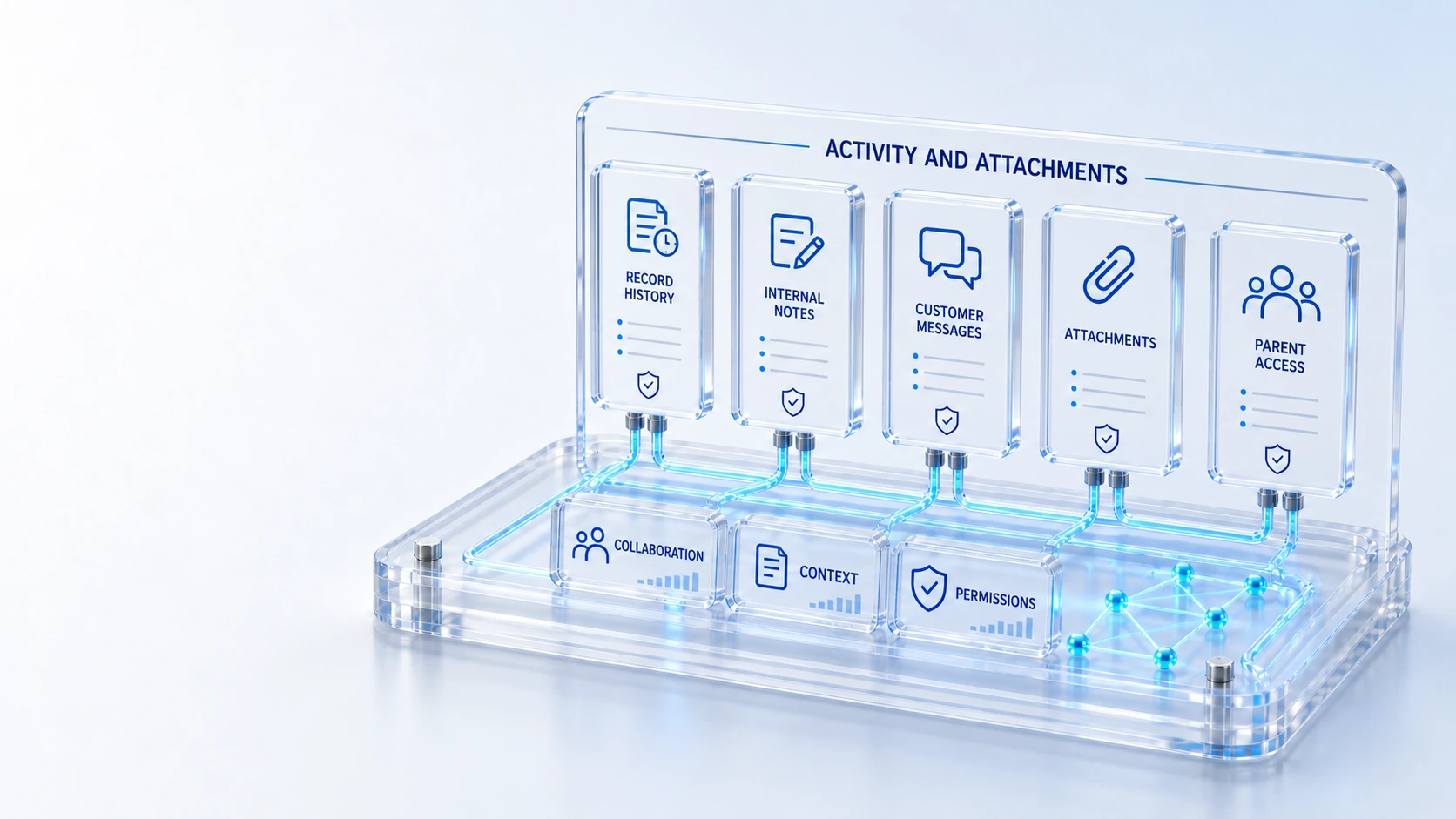
Record ActivityReview work history in the context of the governed parent record.
Internal NotesKeep operational collaboration distinct from customer-visible messages.
Customer MessagesExpose approved customer communication within the case access model.
Attachment GovernanceKeep private attachments subject to parent access and configured scanning controls.
RecordCollaborate
Bring activity, work notes, customer communication and governed attachments into record context.
Review work history in the context of the governed parent record.
Keep operational collaboration distinct from customer-visible messages.
Expose approved customer communication within the case access model.
Keep private attachments subject to parent access and configured scanning controls.
Record → Collaborate → Preserve
Explore the details below, then bring your workflow, source data and questions to a guided conversation.
Built into the platform
Review work history in the context of the governed parent record.
Keep operational collaboration distinct from customer-visible messages.
Expose approved customer communication within the case access model.
Keep private attachments subject to parent access and configured scanning controls.
Carry the governing record permission into related collaboration.
Preserve the recorded sequence of operational activity and decisions.
Actual product view
See the running demo environment. Features and records are subject to your role, configuration and integrations.
Connected by design
Service records, configuration items, people, locations and evidence share the same operational foundation. Move from investigation to the related asset, service or customer workflow with clear ownership.
Explore the platform architectureImplementation context
Features depend on enabled modules, configured roles, source data and supported integrations. Agree your implementation scope and acceptance criteria during discovery.
Who this is for
Operational collaboration creates risk when notes and files are detached from their governing record or when internal investigation is confused with customer publication. Evidence needs context, audience boundaries and the applicable parent-record permissions. An evaluation of Activity & Attachments should make those boundaries inspectable before the team relies on the operating view.
Illustrative walkthrough
A fictional case agent collects investigation notes and a supporting attachment while coordinating a technical handoff. The team reviews internal activity, the customer-facing update and the file access boundary before presenting the recovery outcome. This is an illustrative evaluation scenario, not a claim about a customer deployment.
Review the recorded work history on the governed parent record so reviewers can understand the sequence and operational context of the investigation. Review work history in the context of the governed parent record.
Identify which content is an internal work note and which is approved customer communication, then check the customer’s case and account access context. Expose approved customer communication within the case access model.
Inspect private attachment handling under the governing record permissions and configured scanning controls before assuming a related file is safe or available to every participant. Carry the governing record permission into related collaboration.
Show one parent record with internal notes, an approved customer message and a private attachment, then verify what a permitted customer or technician can actually inspect. Use demonstration records and preserve the applicable reporting scope.
Explore the platform
Open a workspace for a closer look.
Prepare the evaluation
These are evaluation criteria, not promised outcomes. Agree the baseline, scope, source coverage and acceptance method with the responsible owners before drawing conclusions.
Questions for this topic
Internal collaboration and customer-visible communication are distinct, and publication should follow the applicable case model, permissions and responsible human review rather than being inferred from a note’s presence.
No. Attachment handling depends on configured scanning controls and parent access; an evaluation should inspect the relevant configuration and status without making an unconditional safety guarantee.
No. Private attachment access follows the governed parent record and applicable configuration, so reviewers should test both the authorized workflow and a relevant restricted audience.
Your next operating chapter
Bring one workflow, one service challenge or one part of your estate. We’ll show you where Qintorava fits.