Scoped Reporting
Review metrics within the permitted role, account or workspace scope.
Scoped ReportingReview metrics within the permitted role, account or workspace scope.
Source RecordsFollow reported values back to their recorded operational context.
Exported ViewsExport the loaded reporting scope with its stated coverage limits.
Platform UsageInspect recorded platform use in administration.
ScopeSource
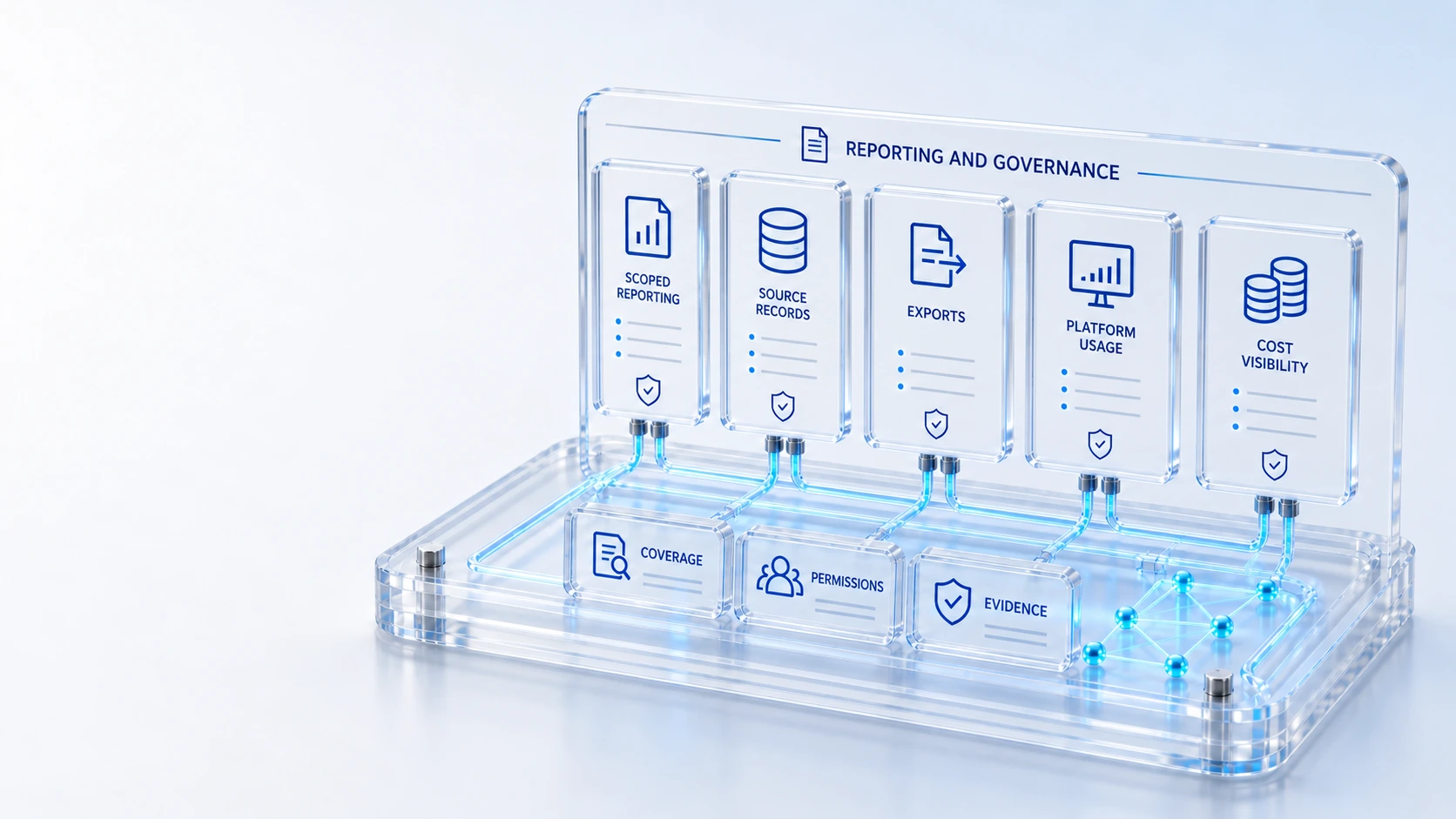
Bring role-aware overviews, reporting scopes, usage, costs and performance into visible governance.
Review metrics within the permitted role, account or workspace scope.
Follow reported values back to their recorded operational context.
Export the loaded reporting scope with its stated coverage limits.
Inspect recorded platform use in administration.
Scope → Source → Review
Explore the details below, then bring your workflow, source data and questions to a guided conversation.
Built into the platform
Review metrics within the permitted role, account or workspace scope.
Follow reported values back to their recorded operational context.
Export the loaded reporting scope with its stated coverage limits.
Inspect recorded platform use in administration.
Review recorded platform costs without inferring missing measurements.
Review the platform performance surface available to administrators.
Actual product view
See the running demo environment. Features and records are subject to your role, configuration and integrations.
Connected by design
Service records, configuration items, people, locations and evidence share the same operational foundation. Move from investigation to the related asset, service or customer workflow with clear ownership.
Explore the platform architectureImplementation context
Features depend on enabled modules, configured roles, source data and supported integrations. Agree your implementation scope and acceptance criteria during discovery.
Who this is for
A report can look authoritative while omitting its scope, missing measurements or the source behind a total. Governance requires role-aware interpretation and inspectable records before teams use operational, usage, cost or performance numbers to justify decisions.
Illustrative walkthrough
A fictional operations analyst prepares an executive review using service and asset overviews. The analyst checks permitted scope, follows representative figures to their source context and exports the loaded view while documenting the available measurement coverage.
Review the role, account or workspace boundary behind the displayed metric and identify the operational records included in the currently permitted reporting view. Review metrics within the permitted role, account or workspace scope.
Follow a representative value to its recorded source context, checking unavailable measurements before interpreting usage, cost or platform performance as a complete result. Export the loaded reporting scope with its stated coverage limits.
Export the loaded reporting scope and retain its stated limits so the receiving analyst or executive can understand what the evidence supports and what remains unknown. Review recorded platform costs without inferring missing measurements.
Ask the analyst to explain one metric’s scope, show its contributing operational context and identify an unavailable measurement before sharing an export or drawing a leadership conclusion. Use demonstration records and preserve the applicable reporting scope.
Explore the platform
Open a workspace for a closer look.
Prepare the evaluation
These are evaluation criteria, not promised outcomes. Agree the baseline, scope, source coverage and acceptance method with the responsible owners before drawing conclusions.
Questions for this topic
Not necessarily. Exported views reflect the loaded reporting scope and its coverage limits, so reviewers must establish role, account and workspace context before treating an export as enterprise-wide evidence.
No. Recorded platform costs and operational measurements should be reviewed without inferring missing values, and the analyst should make incomplete coverage visible in the interpretation.
No. The available surfaces include scoped overviews, source records, exported views and administrative usage, cost and performance context, all of which need accountable interpretation and review.
Your next operating chapter
Bring one workflow, one service challenge or one part of your estate. We’ll show you where Qintorava fits.