Customer Case
Capture the account, affected asset and configured coverage.
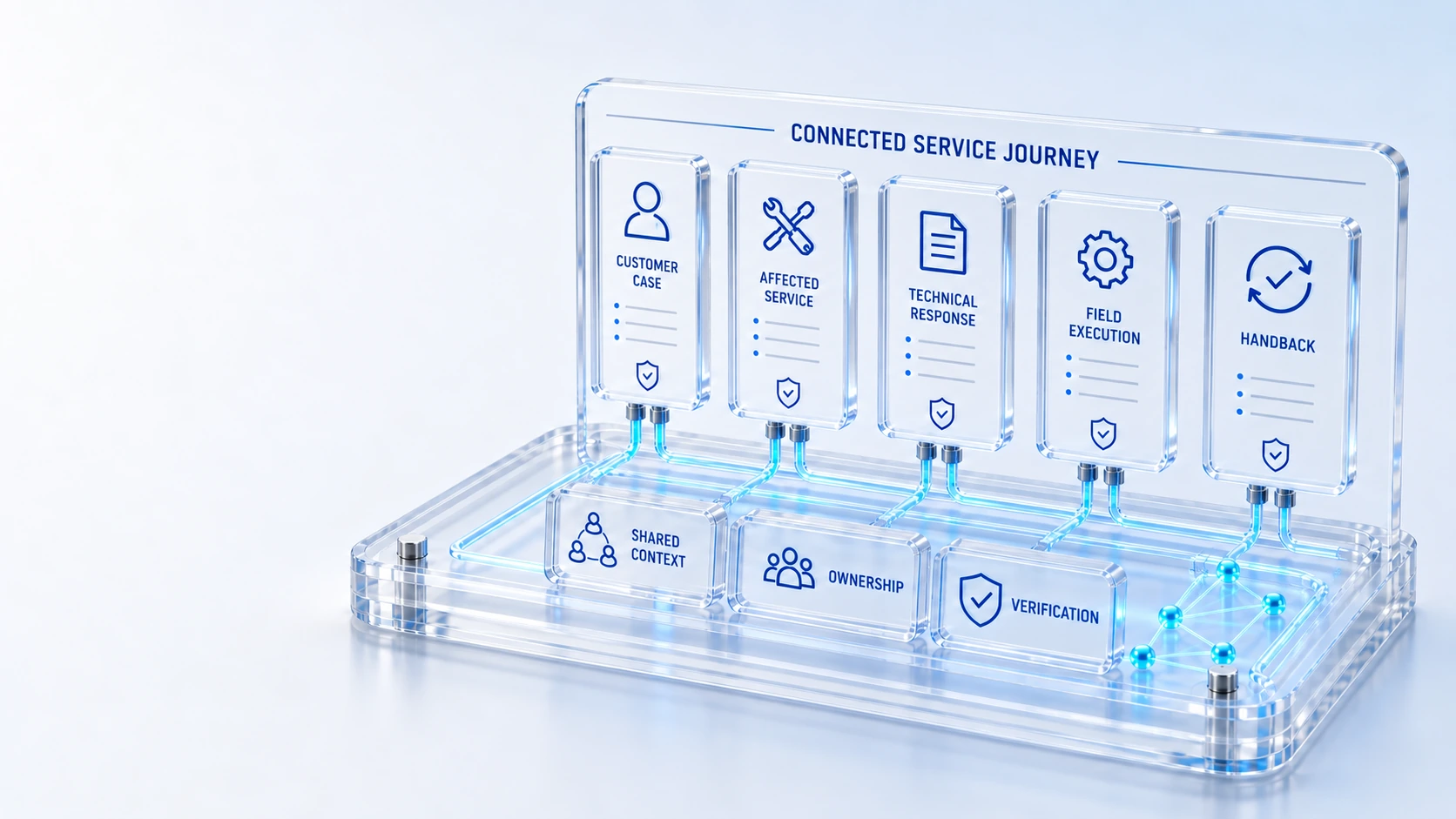
Customer CaseCapture the account, affected asset and configured coverage.
Technical ResponseLink incidents and recorded outages to the affected CI.
Qualified Field WorkCoordinate approved work plans, coverage and execution evidence.
Verified HandbackReturn completed work for support review and customer follow-up.
CaseTechnical response
Inspect detailed illustrative enterprise workflows, the records and people involved, and the evidence to review. No named customer results or measured outcomes are implied.
Capture the account, affected asset and configured coverage.
Link incidents and recorded outages to the affected CI.
Coordinate approved work plans, coverage and execution evidence.
Return completed work for support review and customer follow-up.
Case → Technical response → Handback
Illustrative workflows, rather than published customer testimonials or measured outcomes.
A connected service journey
Keep customer context, technical recovery and qualified field work connected without collapsing their responsibilities.
Capture the account, affected asset and configured coverage.
Link incidents and recorded outages to the affected CI.
Coordinate approved work plans, coverage and execution evidence.
Return completed work for support review and customer follow-up.
Unite case ownership, entitlement, incident recovery and field execution in one connected service journey.
Explore 02 / CONNECTED PLATFORMConnect location coverage, qualifications, work plans and completion evidence before and after dispatch.
Explore 03 / CONNECTED PLATFORMConnect employee demand, custody, stockroom supply, lifecycle exposure and offboarding recovery.
Explore 04 / CONNECTED PLATFORMBring product, installation, entitlement, renewal and reclamation context into software decisions.
Explore 05 / CONNECTED PLATFORMConnect power, cooling, network, compute and customer equipment to governed on-site work.
Explore 06 / CONNECTED PLATFORMConnect discovery, identification, reconciliation, normalization and certification to canonical configuration records.
ExploreWho this is for
An example becomes useful when it shows a starting condition, the records involved, the decisions that must be made and the evidence of completion. The scenarios here are illustrative product-grounded narratives. They should be adapted to your environment and are not claims about published customer results.
Illustrative walkthrough
An organization needs to recover a device when an employee leaves. The example connects the service request, recorded hardware custody, the recovery action and the final lifecycle review. It illustrates a workflow to inspect rather than an achieved recovery rate.
Locate the hardware record and confirm the recorded custodian, location and lifecycle state. Relate the service request to the asset and assign the responsible owner. Missing or conflicting custody information is an evaluation finding to resolve, not evidence that recovery is complete.
Use the agreed request and asset workflow to record the recovery responsibilities and relevant handoffs. Where a field or supplier action is needed, review that responsibility separately. Preserve the status and supporting history rather than replacing them with a narrative of assumed completion.
Inspect the recorded return, stockroom or subsequent lifecycle decision and the associated work evidence. Compare the result with the acceptance criteria established for the example. A similar evaluation could examine software renewal, verified cloud billing or customer-to-field recovery using the connected product pages.
For this illustrative evaluation, retain the starting records, the decisions made by each accountable role, and the evidence that supports completion. Agree the scope and acceptance criteria before interpreting a demonstration as production readiness.
Explore the platform
Open a workspace for a closer look.
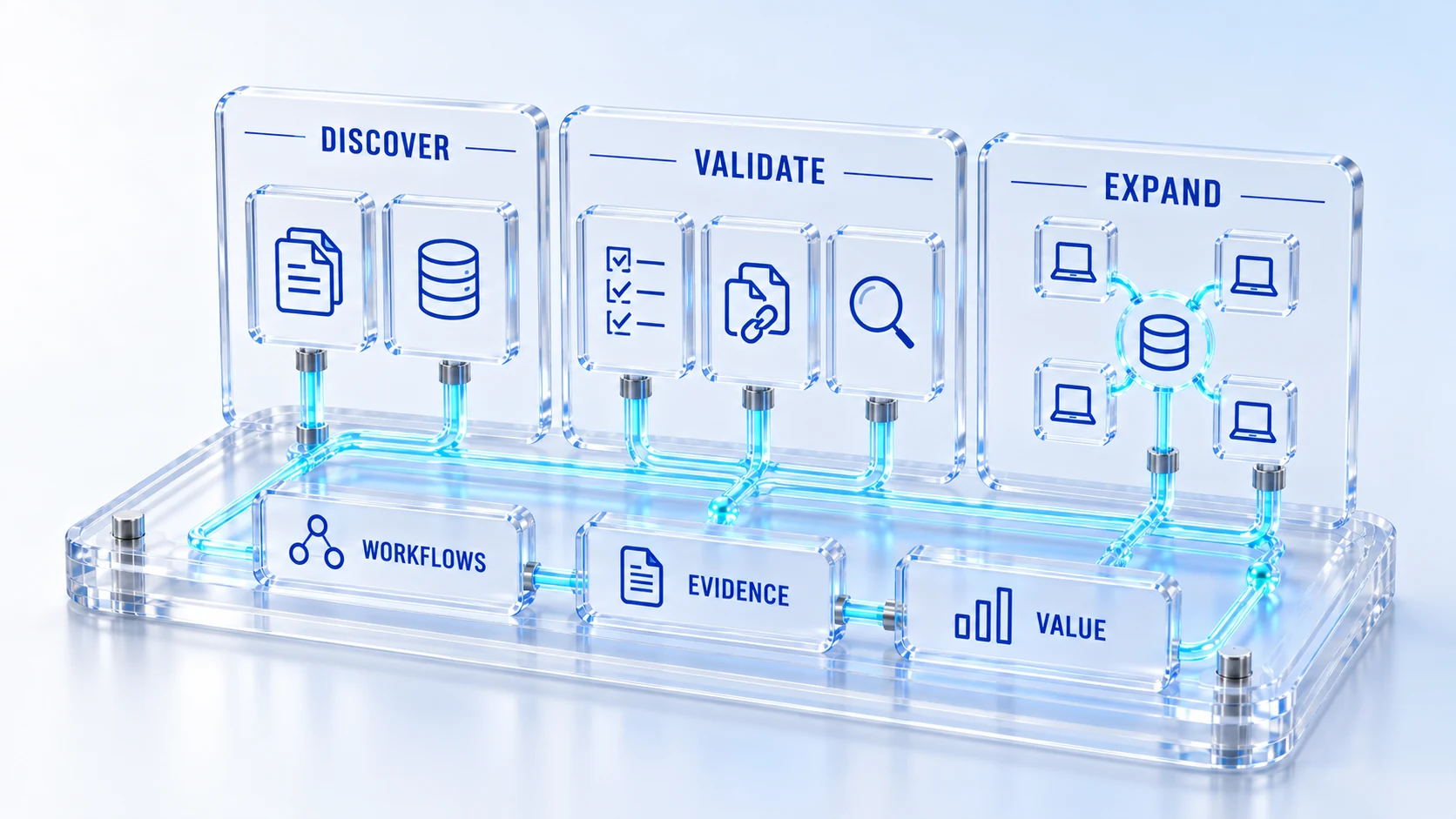
Prepare the evaluation
These are evaluation criteria, not promised outcomes. Agree the baseline, scope, source coverage and acceptance method with the responsible owners before drawing conclusions.
Questions for this topic
They explain the platform through plausible operating journeys without inventing customers or outcomes. A published customer case would require verified deployment facts and appropriate permission. These examples are intended to help you design your own evaluation.
Yes. Start with the operating condition, identify the records and roles, walk through the decisions, and inspect the evidence. The solution pages cover cloud cost governance, service recovery, software governance and other journeys that can use this evaluation structure.
Define the baseline, time period, data coverage, scope and acceptance method before the evaluation. Separate observed results from assumptions, and distinguish capacity, cash and risk effects. Use the ROI calculator only after the relevant owners have validated the inputs.
Your next operating chapter
Bring one workflow, one service challenge or one part of your estate. We’ll show you where Qintorava fits.