Users and Groups
Maintain the people and teams participating in enterprise service work.
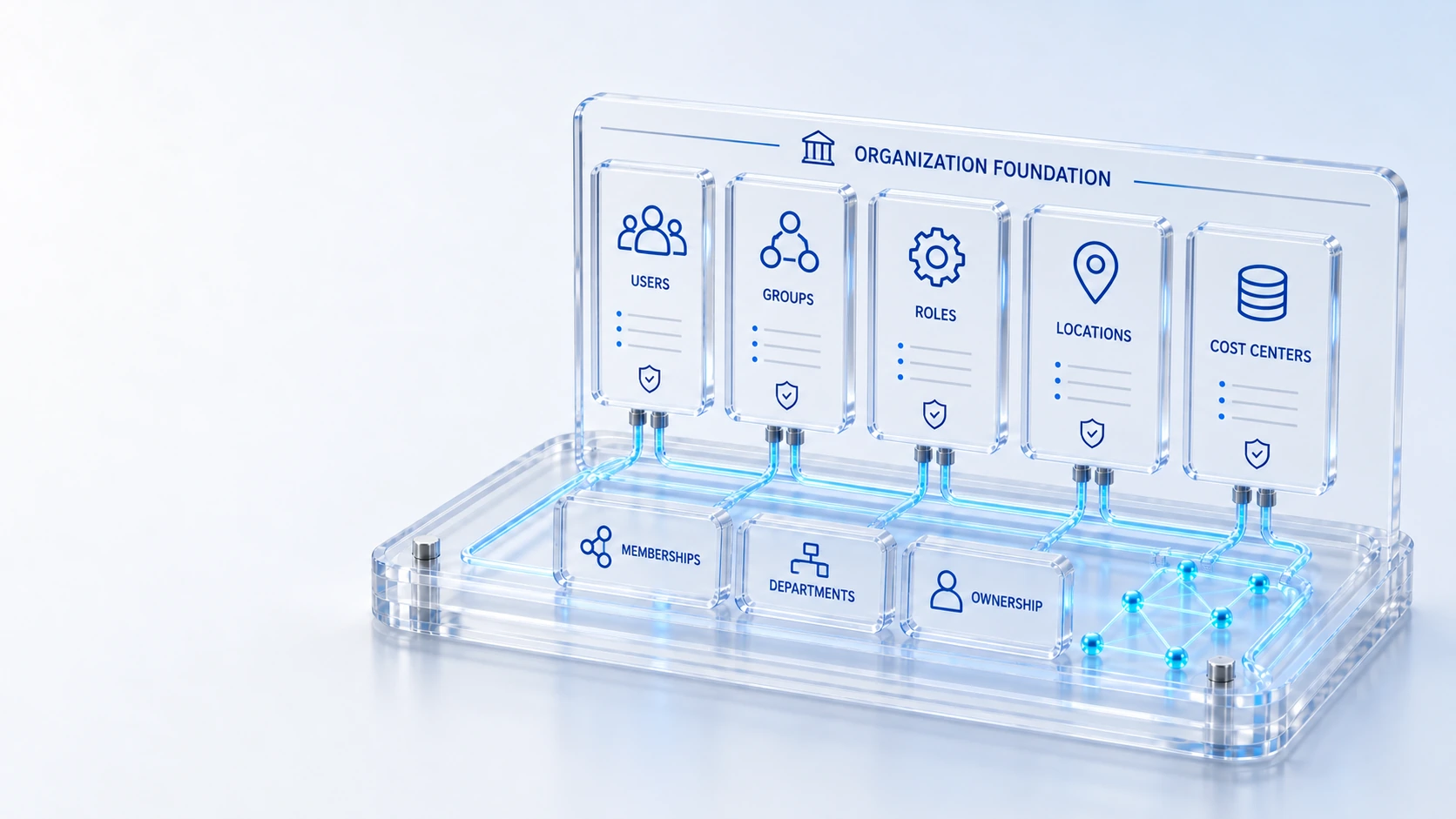
Users and GroupsMaintain the people and teams participating in enterprise service work.
RolesDefine the responsibilities used by workspace and access controls.
MembershipsRelate users and groups to their configured roles and organization scope.
LocationsConnect physical hierarchy to assets, service coverage and field work.
PeopleRoles
Maintain the users, groups, roles, memberships, locations, departments, companies and cost centers behind accountable work.
Maintain the people and teams participating in enterprise service work.
Define the responsibilities used by workspace and access controls.
Relate users and groups to their configured roles and organization scope.
Connect physical hierarchy to assets, service coverage and field work.
People → Roles → Responsibility
Explore the details below, then bring your workflow, source data and questions to a guided conversation.
Built into the platform
Maintain the people and teams participating in enterprise service work.
Define the responsibilities used by workspace and access controls.
Relate users and groups to their configured roles and organization scope.
Connect physical hierarchy to assets, service coverage and field work.
Give operational records their organizational ownership context.
Relate accountable costs and budgets to configured organization records.
Actual product view
See the running demo environment. Features and records are subject to your role, configuration and integrations.
Connected by design
Service records, configuration items, people, locations and evidence share the same operational foundation. Move from investigation to the related asset, service or customer workflow with clear ownership.
Explore the platform architectureImplementation context
Features depend on enabled modules, configured roles, source data and supported integrations. Agree your implementation scope and acceptance criteria during discovery.
Who this is for
Service work loses accountability when users, groups, locations and cost centers are inconsistent. Organization data needs to connect responsibility, physical context and financial ownership so workflows do not rely on informal names or disconnected spreadsheets.
Illustrative walkthrough
A fictional enterprise opens a new operating location and assigns a service team to support it. The administrator reviews people, groups and memberships, then connects the relevant department, company and cost center to the work and equipment context.
Review the users, groups, roles and memberships needed for the proposed service responsibility, distinguishing the person from the configured group and role relationship. Maintain the people and teams participating in enterprise service work.
Inspect locations, departments and company records so assets, customer scope and field work can reference the intended organizational and physical hierarchy. Relate users and groups to their configured roles and organization scope.
Relate the configured cost center and responsible owner to the selected budget or operational context, then check that relevant teams recognize the references used by the workflow. Give operational records their organizational ownership context.
Choose one service or budget and trace its accountable group, organization references and location or cost-center context, showing how the same foundation supports asset, portal or field work. Use demonstration records and preserve the applicable reporting scope.
Explore the platform
Open a workspace for a closer look.
Prepare the evaluation
These are evaluation criteria, not promised outcomes. Agree the baseline, scope, source coverage and acceptance method with the responsible owners before drawing conclusions.
Questions for this topic
No. Users, groups, roles and memberships represent related organizational concepts, and their configured relationships determine how responsibilities and access context are applied to operational work.
Location records connect physical hierarchy with assets, service coverage and field work, allowing operating teams to reference the same recorded place rather than separate informal descriptions.
No. A cost center establishes organization context and accountability; the underlying billing or financial measurements still require their own coverage, source and currency qualification.
Your next operating chapter
Bring one workflow, one service challenge or one part of your estate. We’ll show you where Qintorava fits.