Executive Workspace
Inspect the software estate and license position.
Executive WorkspaceInspect the software estate and license position.
Product InventoryMaintain software product CIs in the shared CMDB.
License InventoryTrack recorded rights and entitlements.
Installation CIsRelate installed software to configuration records.
ProductRights
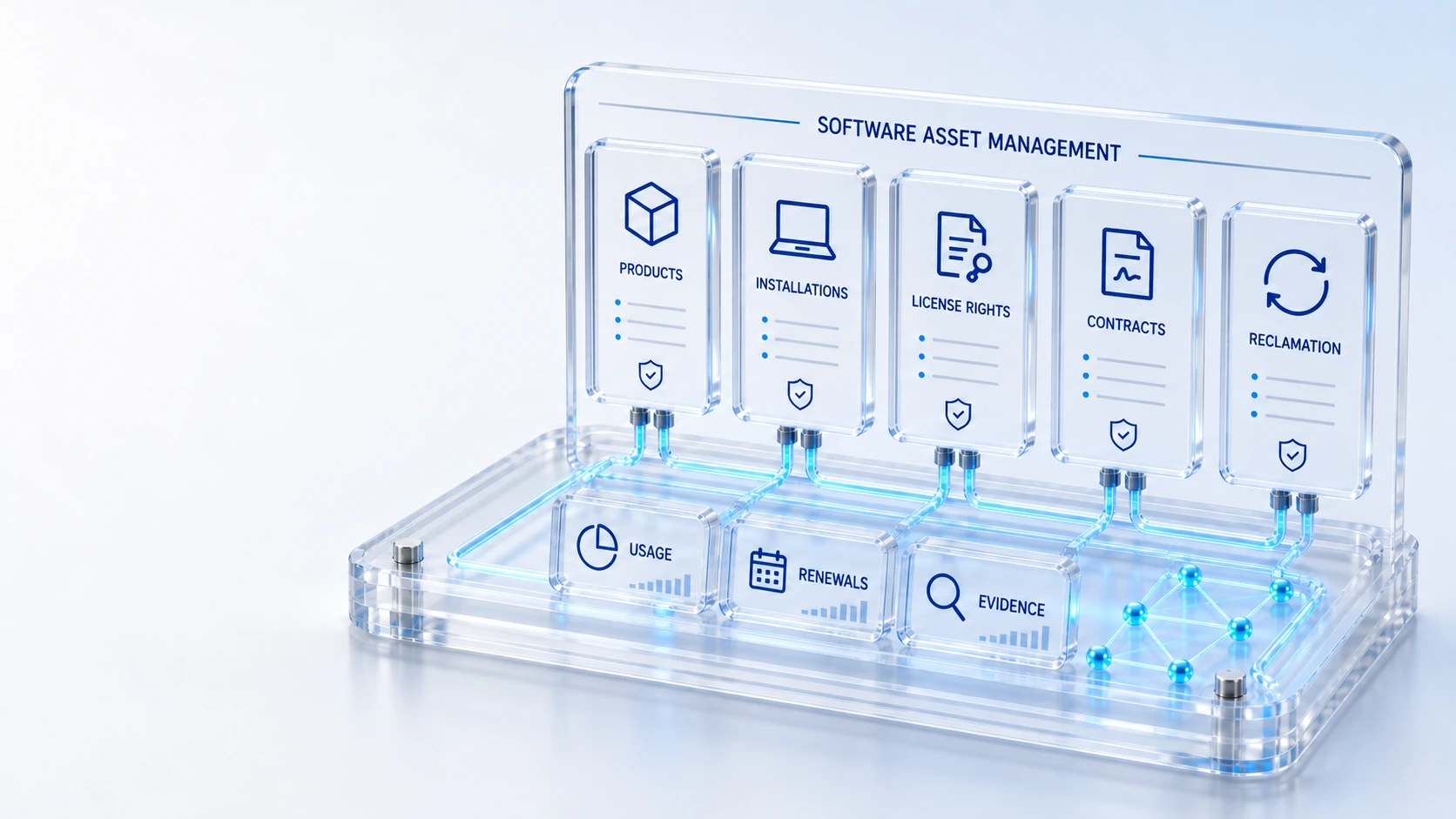
Connect software product CIs, installation records, licenses, contracts, usage and reclamation in one software asset workspace.
Inspect the software estate and license position.
Maintain software product CIs in the shared CMDB.
Track recorded rights and entitlements.
Relate installed software to configuration records.
Product → Rights → Reclamation
Explore the details below, then bring your workflow, source data and questions to a guided conversation.
Built into the platform
Inspect the software estate and license position.
Maintain software product CIs in the shared CMDB.
Track recorded rights and entitlements.
Relate installed software to configuration records.
Keep software agreements and renewal context visible.
Review recorded usage and controlled recovery workflows.
Connect software bundles, deployment delivery and recorded outcomes.
Keep usage coverage, potential reclaim estimates and posted savings separate.
Actual product view
See the running demo environment. Features and records are subject to your role, configuration and integrations.
Connected by design
Service records, configuration items, people, locations and evidence share the same operational foundation. Move from investigation to the related asset, service or customer workflow with clear ownership.
Explore the platform architectureImplementation context
Software allocation is distinct from installation. Deployment outcomes require a configured supported provider. Unknown usage is not inactivity; potential reclaim estimates remain separate from posted savings.
Who this is for
A license allocation does not prove installation, and missing usage does not prove inactivity. Software decisions require separate evidence for rights, deployed inventory, usage coverage and any reclaim or renewal proposal. An evaluation of Software Asset Management should make those boundaries inspectable before the team relies on the operating view.
Illustrative walkthrough
A fictional organization reviews an upcoming software renewal. Its licensing analyst compares recorded entitlements and installations, checks usage coverage and evaluates a controlled reclamation proposal without presenting a potential reclaim estimate as posted savings. This is an illustrative evaluation scenario, not a claim about a customer deployment.
Inspect the software product CI, license inventory and relevant contract so the team can distinguish recorded entitlement from user allocation or actual installation. Inspect the software estate and license position.
Review installation CIs, recorded usage and any configured deployment outcomes, keeping unsupported providers and unknown usage visible rather than making an inactivity assumption. Track recorded rights and entitlements.
Compare the renewal or reclamation proposal with its supporting records and maintain the distinction between potential reclaim estimates, approved action and posted savings. Keep software agreements and renewal context visible.
Ask the evaluator to distinguish an allocated license from an installation and an unknown usage interval from observed inactivity before discussing a reclamation or renewal decision. Use demonstration records and preserve the applicable reporting scope.
Explore the platform
Open a workspace for a closer look.
Prepare the evaluation
These are evaluation criteria, not promised outcomes. Agree the baseline, scope, source coverage and acceptance method with the responsible owners before drawing conclusions.
Questions for this topic
No. Software allocation and installation are distinct records, so an evaluation should compare the rights position, assigned allocation and installed configuration evidence separately.
Unknown usage is not inactivity. Teams should establish observation coverage and review the applicable reclamation workflow before taking action on a license or subscription.
No. Potential reclaim estimates remain separate from posted savings, and deployment outcomes require a supported configured provider before the platform can record those outcomes.
Your next operating chapter
Bring one workflow, one service challenge or one part of your estate. We’ll show you where Qintorava fits.