Incident Workflows
Coordinate investigation, assignment, priority and technical restoration.
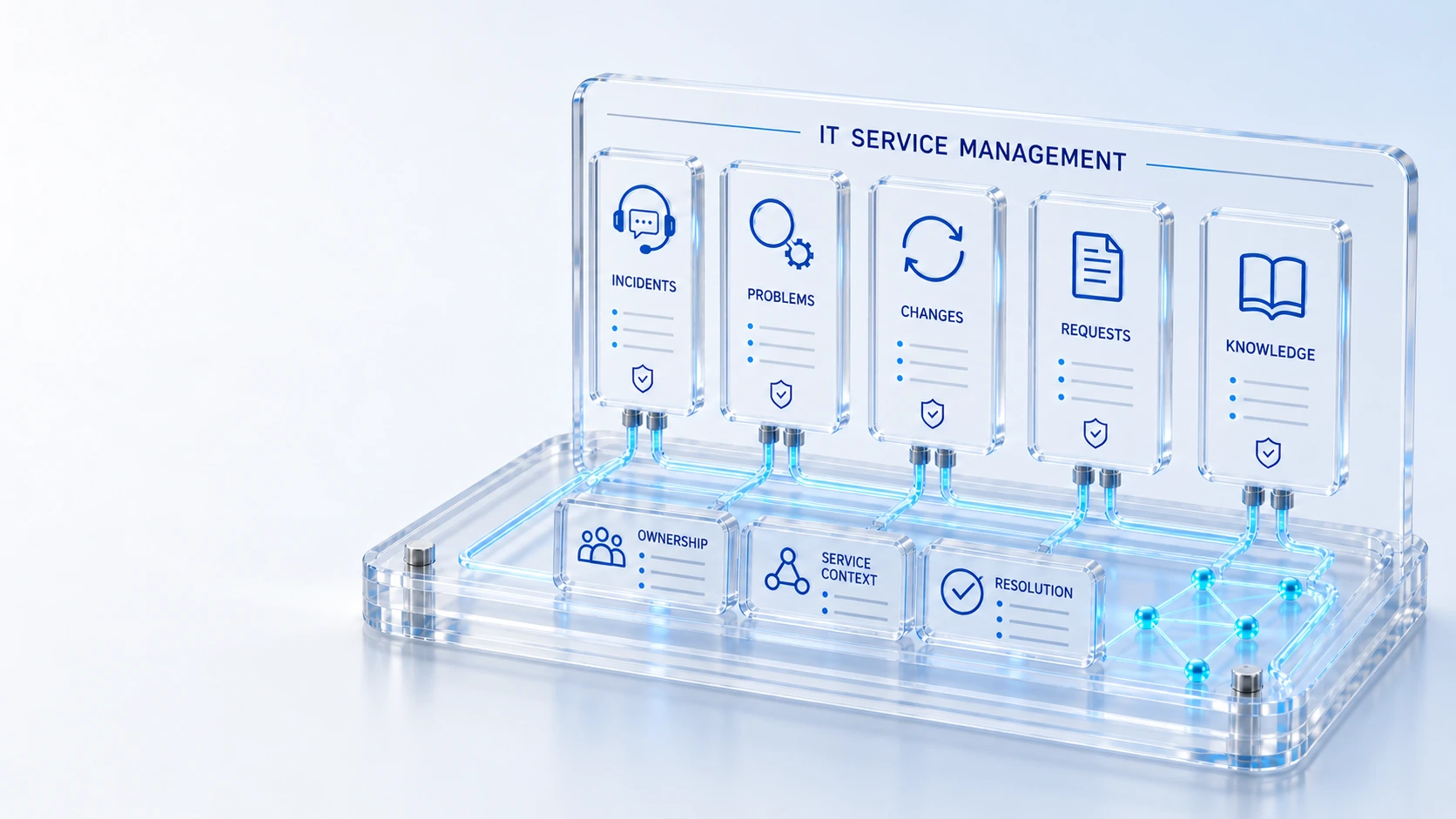
Incident WorkflowsCoordinate investigation, assignment, priority and technical restoration.
Major IncidentsTrack major incident coordination alongside ordinary service work.
Change GovernanceConnect CAB schedules, blackout windows, templates and the change calendar.
Service CatalogGive users a structured path to request available services and tools.
IntakeOwnership
Connect incident, problem, change, request and knowledge records to service levels and the portal.
Coordinate investigation, assignment, priority and technical restoration.
Track major incident coordination alongside ordinary service work.
Connect CAB schedules, blackout windows, templates and the change calendar.
Give users a structured path to request available services and tools.
Intake → Ownership → Resolution
Explore the details below, then bring your workflow, source data and questions to a guided conversation.
Built into the platform
Coordinate investigation, assignment, priority and technical restoration.
Track major incident coordination alongside ordinary service work.
Connect CAB schedules, blackout windows, templates and the change calendar.
Give users a structured path to request available services and tools.
Organize knowledge bases, categories, articles and configured external sources.
Apply configured working-time calendars to supported service commitments.
Actual product view
See the running demo environment. Features and records are subject to your role, configuration and integrations.
Connected by design
Service records, configuration items, people, locations and evidence share the same operational foundation. Move from investigation to the related asset, service or customer workflow with clear ownership.
Explore the platform architectureImplementation context
Features depend on enabled modules, configured roles, source data and supported integrations. Agree your implementation scope and acceptance criteria during discovery.
Who this is for
Service processes become inconsistent when incidents, changes and requests use different definitions for ownership, service context and working time. A common workflow foundation must connect those records without erasing their distinct purposes or approval requirements.
Illustrative walkthrough
A fictional implementation team designs an employee access service. It connects catalog intake and fulfillment with incident handling, knowledge and change governance, then tests the business calendar and role responsibilities before expanding to other service processes.
Distinguish catalog requests, incidents, major incidents and problem work, then identify the roles and service context each path needs to progress responsibly. Coordinate investigation, assignment, priority and technical restoration.
Review CAB schedules, blackout windows and change templates alongside the knowledge bases and categories that should support the chosen service workflow. Connect CAB schedules, blackout windows, templates and the change calendar.
Use the portal to exercise the request path, then inspect the configured business calendar and supported response or resolution rules with the process owner. Organize knowledge bases, categories, articles and configured external sources.
The implementation walkthrough should show how a request differs from an incident, how a proposed change reaches its review gate and which working-time calendar applies to the selected commitment. Use demonstration records and preserve the applicable reporting scope.
Explore the platform
Open a workspace for a closer look.
Prepare the evaluation
These are evaluation criteria, not promised outcomes. Agree the baseline, scope, source coverage and acceptance method with the responsible owners before drawing conclusions.
Questions for this topic
Request fulfillment and technical restoration serve different purposes, so the shared foundation connects their context while preserving the record type, ownership and applicable workflow responsibilities.
The available foundation applies configured business calendars to supported commitments, and implementation should verify the relevant working hours and timing behavior with the accountable service owner.
No. Change governance includes CAB schedules, blackout windows, standard templates and the organization change calendar, which should be demonstrated in the selected process design.
Your next operating chapter
Bring one workflow, one service challenge or one part of your estate. We’ll show you where Qintorava fits.