Contact Support
Describe your issue, affected workflow and business impact. Your support agreement defines response commitments.
Contact SupportDescribe your issue, affected workflow and business impact. Your support agreement defines response commitments.
Product TourExplore actual demo screenshots and workspaces.
Platform ArchitectureInspect the shared operational foundation.
Product SuiteFind the capabilities relevant to your teams.
DescribeInvestigate
Contact Qintorava for product questions, configuration guidance, implementation assistance and support for your agreed scope.
Describe your issue, affected workflow and business impact. Your support agreement defines response commitments.
Explore actual demo screenshots and workspaces.
Inspect the shared operational foundation.
Find the capabilities relevant to your teams.
Describe → Investigate → Follow up
Explore the details below, then bring your workflow, source data and questions to a guided conversation.
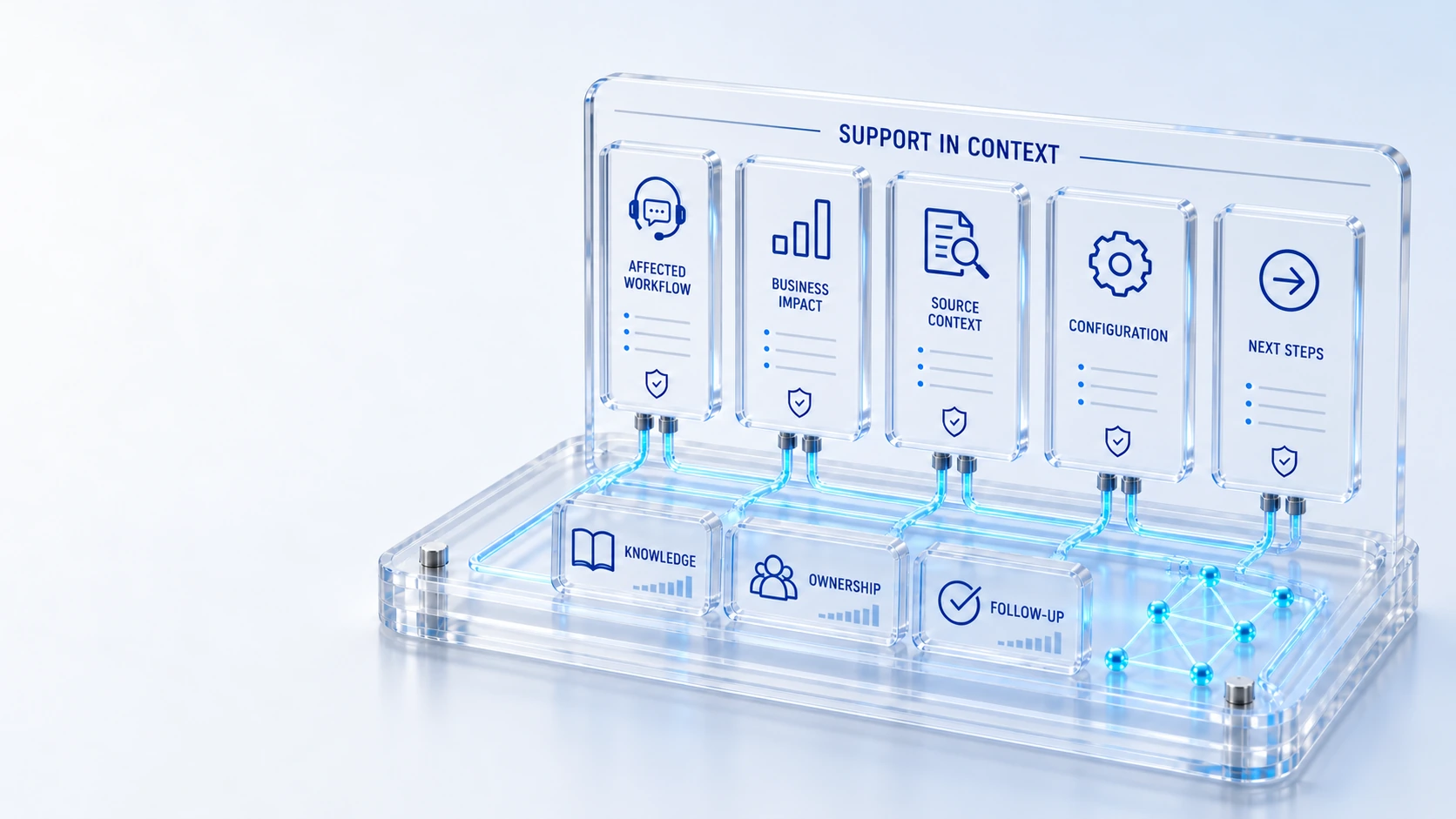
SUPPORT IN CONTEXT
Send a clear, non-sensitive description to our support team. We will email a confirmation with your request reference.
Identify the product, environment and a safe record reference.
Describe the expected result, observed behavior, approximate time and reproduction steps.
Explain who is affected and whether work can continue.
Reply to your confirmation to add context. Response commitments follow your applicable support agreement.
Keep passwords, API keys, confidential records and sensitive personal data out of this public form.
Find your next step
Describe your issue, affected workflow and business impact. Your support agreement defines response commitments.
Explore 02 / CONNECTED PLATFORMExplore actual demo screenshots and workspaces.
Explore 03 / CONNECTED PLATFORMInspect the shared operational foundation.
Explore 04 / CONNECTED PLATFORMFind the capabilities relevant to your teams.
Explore 05 / CONNECTED PLATFORMPlan an access, data and governance review.
Explore 06 / CONNECTED PLATFORMBuild a practical evaluation checklist.
ExploreWho this is for
A support conversation is more effective when the affected workflow, observed behavior and business impact are clear. Safe issue preparation helps the right people investigate without exposing credentials or customer records through a public website form. Response commitments come from the applicable support agreement.
Illustrative walkthrough
An authorized user sees an unexpected result in an asset-related service workflow. The initial report should identify the module, record reference, time and expected behavior while keeping secrets and protected production content out of the public submission.
Identify the affected module or workflow, the approximate time and time zone, and what you expected to happen. Describe who is affected and whether the issue is reproducible. Use a safe record reference or anonymized example rather than attaching confidential customer content.
Explain relevant configuration or recent changes, the roles involved and any source-system context. Distinguish missing data from an access restriction or an unexpected action. Do not send passwords, connection strings, tokens or sensitive diagnostic bundles in an initial public message.
Contact Qintorava and reference the agreed support or implementation relationship. For a privacy or security concern, use the legal/privacy route and request an appropriate exchange method. The applicable agreement defines support coverage and response commitments; this page does not add an unverified SLA.
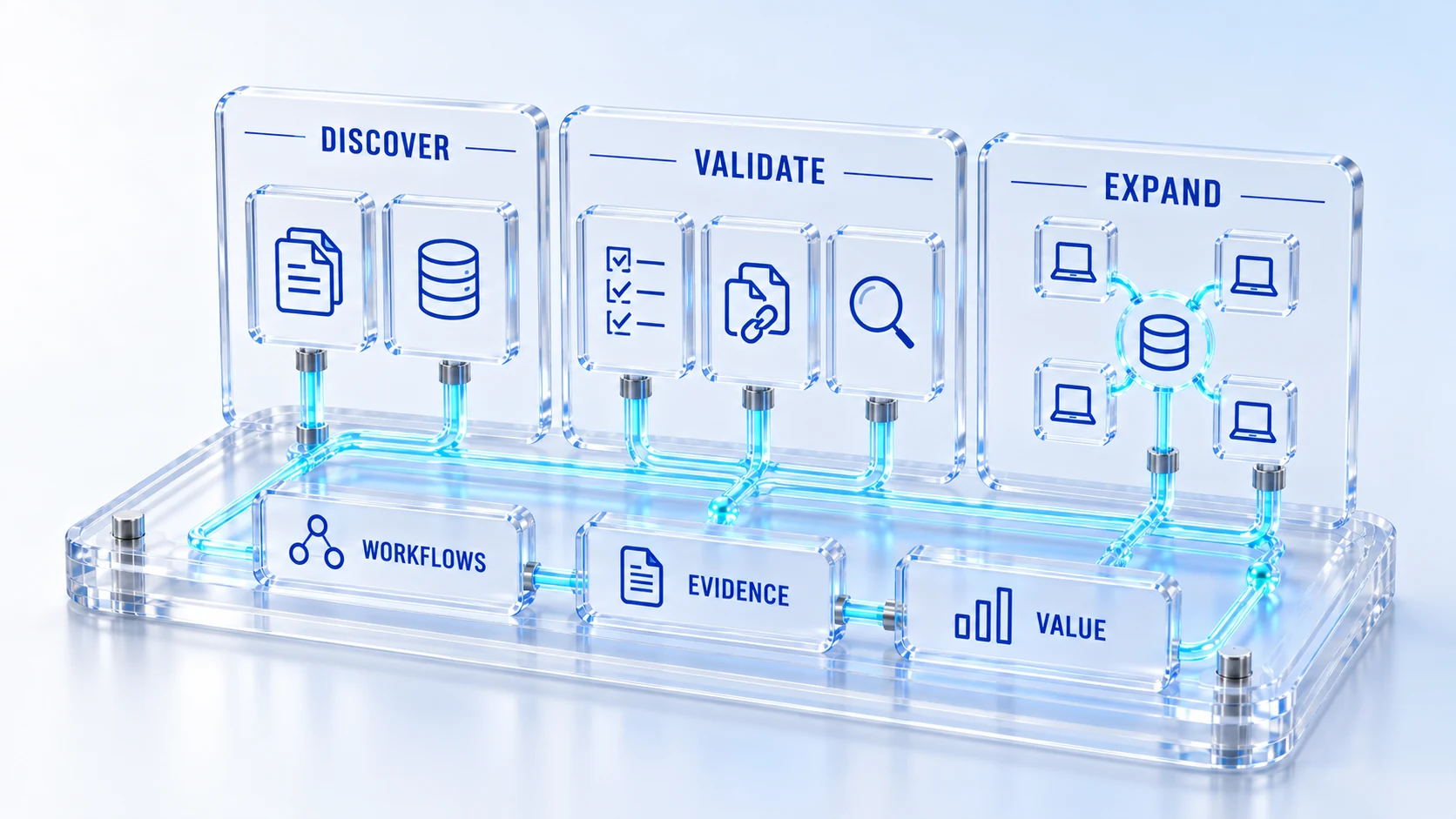
For this illustrative evaluation, retain the starting records, the decisions made by each accountable role, and the evidence that supports completion. Agree the scope and acceptance criteria before interpreting a demonstration as production readiness.
Explore the platform
Open a workspace for a closer look.
Prepare the evaluation
These are evaluation criteria, not promised outcomes. Agree the baseline, scope, source coverage and acceptance method with the responsible owners before drawing conclusions.
Questions for this topic
Describe the module, workflow, timestamp with time zone, expected and observed behavior, impact and safe reproduction steps. Include relevant agreement or evaluation context. Avoid passwords, tokens, connection secrets and confidential production records.
No. Coverage, escalation and response commitments are established in the applicable support agreement or evaluation arrangement. Contact Qintorava to confirm the route and scope relevant to your organization.
Email legal_privacy@qintorava.com with an initial limited description and request an appropriate exchange method if sensitive details are needed. Do not submit exploit payloads, credentials or customer datasets through a public form.
Your next operating chapter
Bring one workflow, one service challenge or one part of your estate. We’ll show you where Qintorava fits.