Identity and Federation
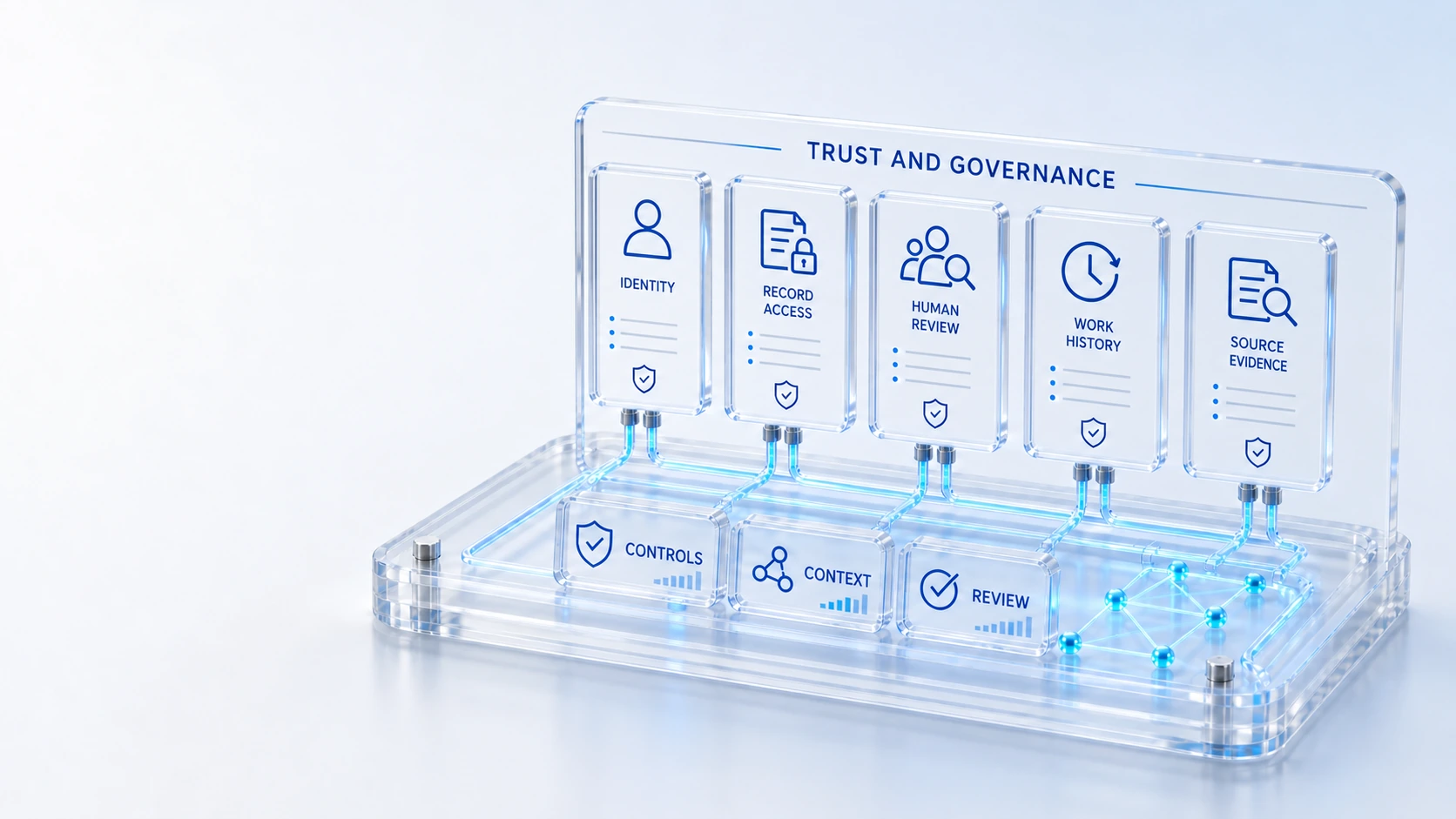
Review tenant identity, configured identity providers, federation and provisioning.
Identity and FederationReview tenant identity, configured identity providers, federation and provisioning.
Record and Field AccessInspect configured policies, membership boundaries and relationship access.
Contextual AIReview scoped retrieval, source evidence, confidence indicators and model fallback.
Accountable WorkflowsInspect configured approvals, ownership, work history and verification steps.
IdentityControls
Inspect configured identity, record access, provider permissions, workflow responsibility and security questions for your proposed Qintorava deployment.
Review tenant identity, configured identity providers, federation and provisioning.
Inspect configured policies, membership boundaries and relationship access.
Review scoped retrieval, source evidence, confidence indicators and model fallback.
Inspect configured approvals, ownership, work history and verification steps.
Identity → Controls → Evidence
Explore the details below, then bring your workflow, source data and questions to a guided conversation.
Review tenant identity, configured identity providers, federation and provisioning.
Inspect configured policies, membership boundaries and relationship access.
Review scoped retrieval, source evidence, confidence indicators and model fallback.
Inspect configured approvals, ownership, work history and verification steps.
Review parent-record access, attachment governance and collaboration boundaries.
Request the architecture, data, integration and security review relevant to your implementation.
Certifications, audit reports, uptime commitments, data residency and contractual security terms must be confirmed directly with Qintorava. This page does not claim an unverified certification or a universal compliance outcome.
Who this is for
Security evaluation needs concrete roles, records and access boundaries. Authentication, authorization, provider permissions and workflow approval are different questions. Review the configuration and source context required for the proposed deployment, and test how permitted and restricted actions behave under the agreed roles.
Illustrative walkthrough
A customer support user, an internal responder and a qualified delivery participant should not be assumed to have identical access. The evaluation can inspect the records, relationships, notes and attachments each role needs for its responsibility.
Identify the identity provider, groups, memberships and configured record or field policies relevant to the scenario. Separate successful sign-in from authorization to read or change a record. Test the expected permitted and restricted cases in the agreed environment.
Review source permissions, parent-record attachment access and the context available to assistance. Identify which external actions are supported and which are not. Do not assume that a read-only provider verification authorizes live provisioning or that missing telemetry implies a healthy state.
Record configuration findings, remaining security questions and the evidence required for acceptance. Review relevant customer, provider and support obligations. Report a potential concern through the legal/privacy route using an initial limited description and an appropriate exchange method for sensitive details.
For this illustrative evaluation, retain the starting records, the decisions made by each accountable role, and the evidence that supports completion. Agree the scope and acceptance criteria before interpreting a demonstration as production readiness.
Explore the platform
Open a workspace for a closer look.
Prepare the evaluation
These are evaluation criteria, not promised outcomes. Agree the baseline, scope, source coverage and acceptance method with the responsible owners before drawing conclusions.
Questions for this topic
No public page can establish your tenant’s configuration. Review identity, memberships, record and field policies, and test the intended roles. Authentication and authorization should be assessed separately, including cases where access must be denied.
Contextual assistance does not grant additional permission or replace accountable approval. Review the authorized retrieval scope, sources, fallback behavior and human decision boundary for the proposed use case.
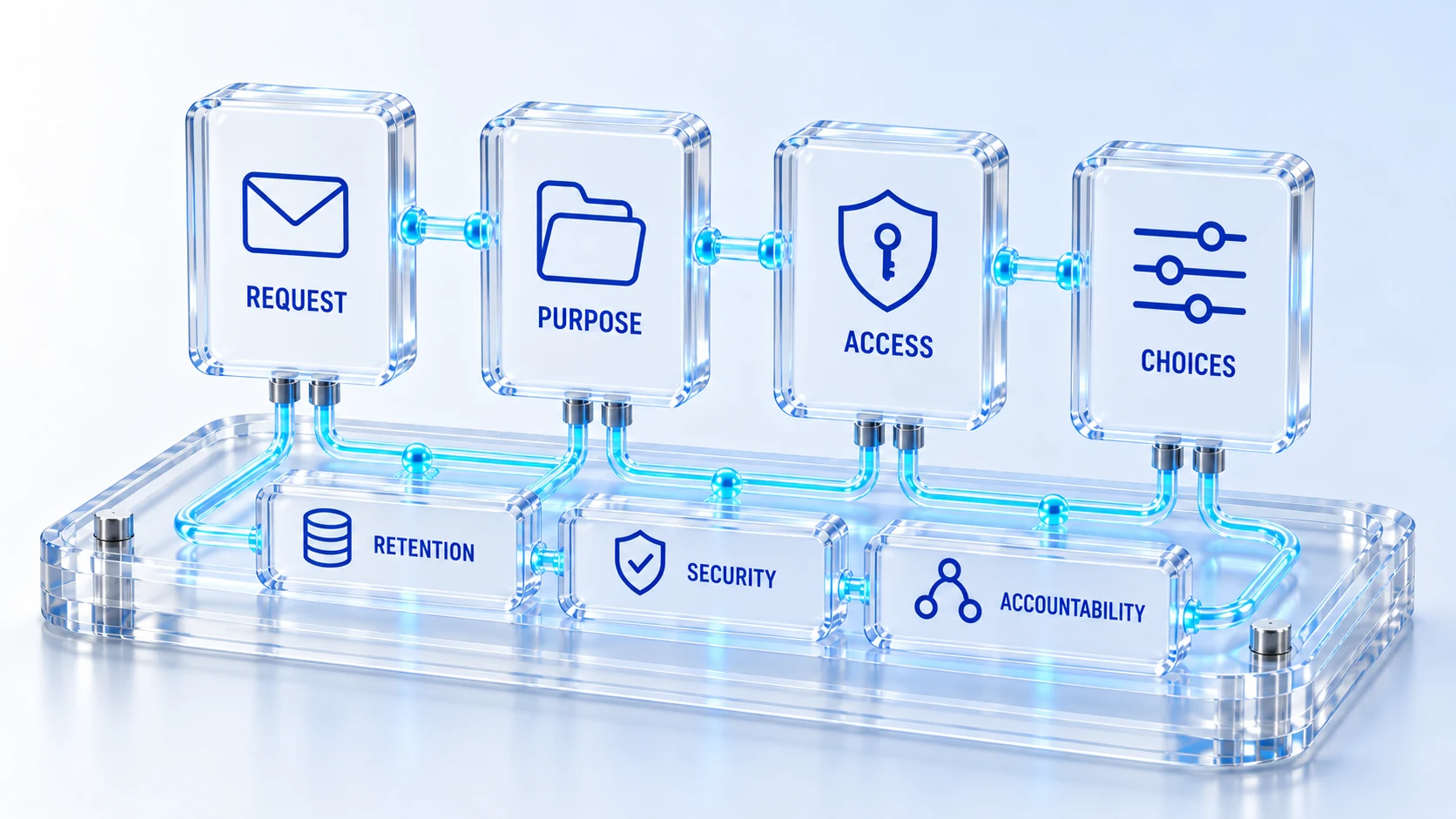
Send an initial limited description to legal_privacy@qintorava.com and ask for an appropriate exchange method. Do not send credentials, active exploit payloads or confidential customer datasets through a public form. This route does not imply a bug bounty or reward program.
Your next operating chapter
Bring one workflow, one service challenge or one part of your estate. We’ll show you where Qintorava fits.