Workspace Finder
Search across the destinations available to your role.
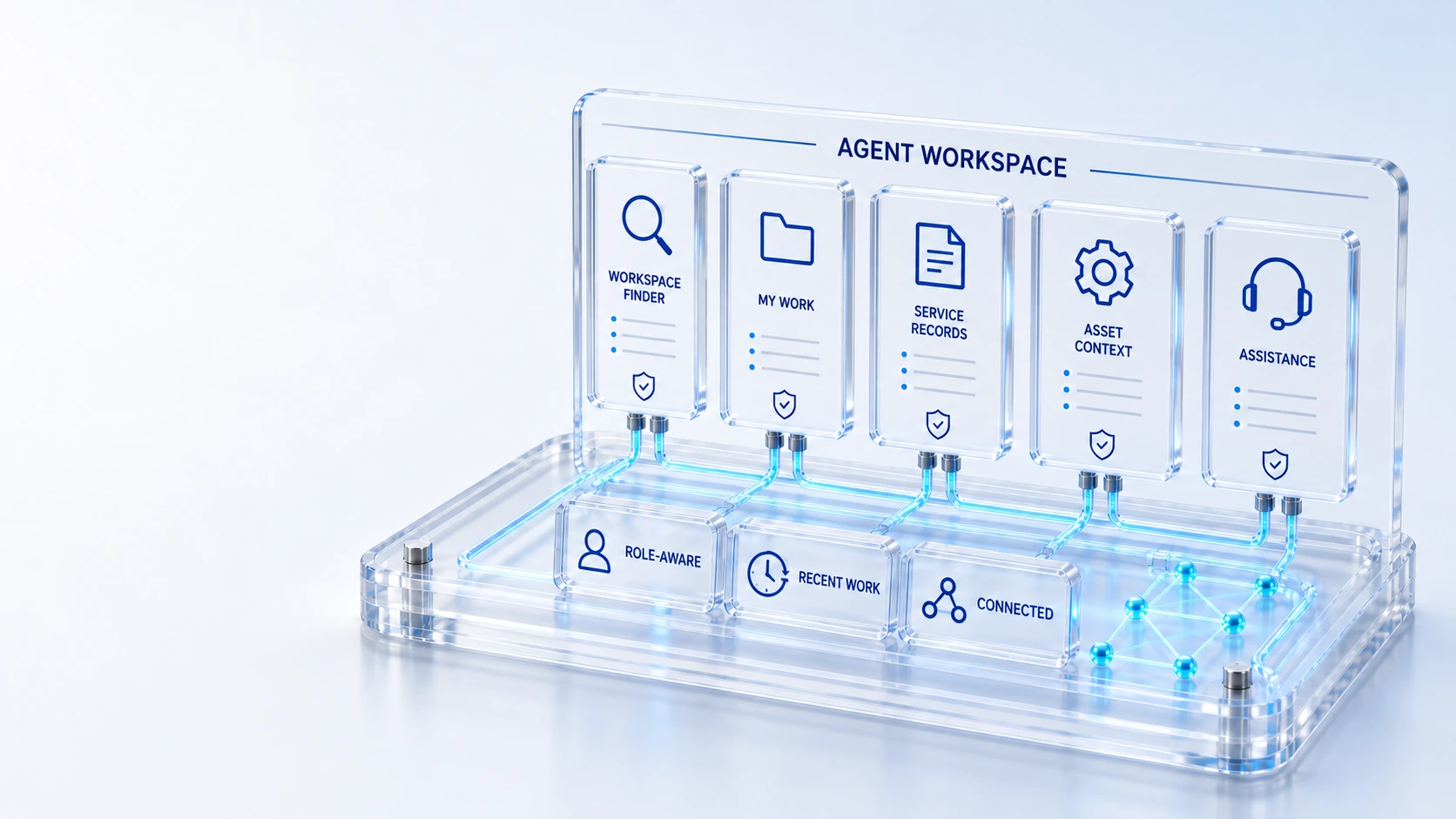
Workspace FinderSearch across the destinations available to your role.
Focused CollectionsNavigate service, assets, CMDB and administration by collection.
Role-Aware HomeSee work, priority, demand and recent activity in context.
Connected RecordsFollow service, asset and infrastructure relationships.
FindFocus
Move between focused workspaces with a searchable launcher, recent destinations and connected record context.
Search across the destinations available to your role.
Navigate service, assets, CMDB and administration by collection.
See work, priority, demand and recent activity in context.
Follow service, asset and infrastructure relationships.
Find → Focus → Connect
Explore the details below, then bring your workflow, source data and questions to a guided conversation.
Built into the platform
Search across the destinations available to your role.
Navigate service, assets, CMDB and administration by collection.
See work, priority, demand and recent activity in context.
Follow service, asset and infrastructure relationships.
Ask Qintorava for contextual guidance.
Keep collaboration with the governed record.
Actual product view
See the running demo environment. Features and records are subject to your role, configuration and integrations.
Connected by design
Service records, configuration items, people, locations and evidence share the same operational foundation. Move from investigation to the related asset, service or customer workflow with clear ownership.
Explore the platform architectureImplementation context
Views and actions follow configured roles, permissions, enabled modules and connected source data. Screens show a demonstration environment.
Who this is for
Agents lose context when every question requires hunting through a different module. A useful workspace must make relevant destinations discoverable while keeping role boundaries and the connected operational record visible. An evaluation of Agent Workspace should make those boundaries inspectable before the team relies on the operating view.
Illustrative walkthrough
A fictional support analyst begins a shift with service tickets and an asset custody question. The analyst needs a focused home, a searchable workspace launcher and a way to follow the relevant records without rebuilding context.
Use the searchable launcher and focused collections to locate the service or asset destination available to the signed-in analyst. Search across the destinations available to your role.
Review current priority, demand and recent activity, then follow the service record to its related infrastructure or asset information. See work, priority, demand and recent activity in context.
Use contextual page assistance while checking the underlying record, and keep permitted activity and files attached to the work being discussed. Ask Qintorava for contextual guidance.
Have an analyst demonstrate the route from role-aware home to one connected service and asset record, then repeat with a role that has a narrower permitted destination set. Use demonstration records and preserve the applicable reporting scope.
Explore the platform
Open a workspace for a closer look.
Prepare the evaluation
These are evaluation criteria, not promised outcomes. Agree the baseline, scope, source coverage and acceptance method with the responsible owners before drawing conclusions.
Questions for this topic
Available destinations follow the current role, permissions and enabled modules, so an evaluation should use the same responsibilities as the proposed operational audience.
Focused collections and connected record references help authorized users navigate service, assets and CMDB context without claiming access beyond their configured permissions.
No. Assistance provides contextual guidance; the agent should inspect the governed record, its source evidence and any action prerequisites before making a decision.
Your next operating chapter
Bring one workflow, one service challenge or one part of your estate. We’ll show you where Qintorava fits.