Physical Hierarchy
Relate campus, site, building, floor, room and rack.
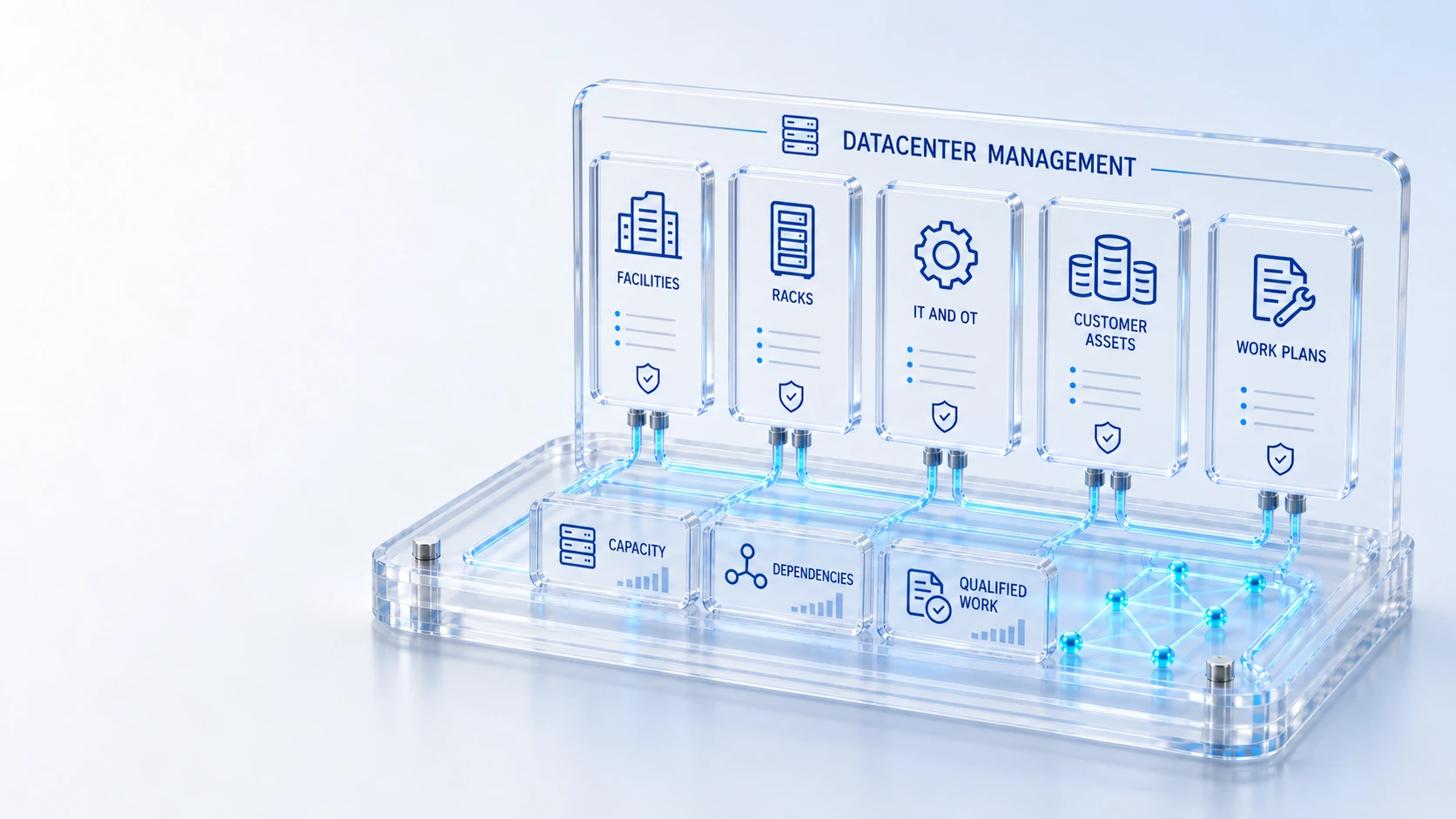
Physical HierarchyRelate campus, site, building, floor, room and rack.
IT and OT AssetsDistinguish compute, network, power, cooling and shared equipment.
Customer EquipmentScope installed assets and rack allocations to authorized accounts.
Work ExecutionCoordinate work plans, tasks, permits and change gates.
LocationEquipment
Connect facilities, customer equipment, IT/OT CIs, capacity, qualified work and service impact in a datacenter operating workspace.
Relate campus, site, building, floor, room and rack.
Distinguish compute, network, power, cooling and shared equipment.
Scope installed assets and rack allocations to authorized accounts.
Coordinate work plans, tasks, permits and change gates.
Location → Equipment → Work
Explore the details below, then bring your workflow, source data and questions to a guided conversation.
Built into the platform
Relate campus, site, building, floor, room and rack.
Distinguish compute, network, power, cooling and shared equipment.
Scope installed assets and rack allocations to authorized accounts.
Coordinate work plans, tasks, permits and change gates.
Review recorded facility and customer allocation context.
Connect supporting equipment to governed services and offerings.
Explore saved room geometry, rack positions and occupied, available or reserved bays.
Keep facilities context and meter coverage visible; missing readings are not treated as zero.
Actual product view
See the running demo environment. Features and records are subject to your role, configuration and integrations.
Connected by design
Service records, configuration items, people, locations and evidence share the same operational foundation. Move from investigation to the related asset, service or customer workflow with clear ownership.
Explore the platform architectureImplementation context
Facilities telemetry and environmental measures require connected data. Missing energy, water, PUE, WUE and carbon measurements remain unknown. Customer equipment and relationships follow authorized account scope.
Who this is for
Physical location, customer equipment and service impact become difficult to coordinate when facility plans and configuration records diverge. Capacity decisions also become misleading when missing power, cooling or environmental measurements are presented as complete telemetry.
Illustrative walkthrough
A fictional datacenter team reviews a customer rack allocation and a planned maintenance task. It needs to inspect saved room geometry, equipment classification and service relationships while checking which facility measurements are actually available. This is an illustrative evaluation scenario, not a claim about a customer deployment.
Follow campus, site, building, floor, room and rack records, then inspect saved rack positions and the occupied, available or reserved bay information. Relate campus, site, building, floor, room and rack.
Distinguish IT, OT and shared equipment, confirm authorized customer allocation and follow the recorded relationships to services that may be affected by the work. Scope installed assets and rack allocations to authorized accounts.
Review work plans, tasks, permits and change gates, keeping incomplete meter coverage separate from verified facility observations and completion evidence. Review recorded facility and customer allocation context.
Ask to trace one customer equipment record to its rack location and service relationship, and explicitly demonstrate an unavailable facility reading beside any connected measurement. Use demonstration records and preserve the applicable reporting scope.
Explore the platform
Open a workspace for a closer look.
Prepare the evaluation
These are evaluation criteria, not promised outcomes. Agree the baseline, scope, source coverage and acceptance method with the responsible owners before drawing conclusions.
Questions for this topic
Saved room geometry, rack positions and bay occupancy context are part of the available facilities view; the evaluation should inspect the actual configured location and allocation records.
No. Energy, water, PUE, WUE and carbon measures require connected data, and missing readings remain unknown rather than being interpreted as zero consumption.
Equipment and relationships follow authorized account scope, so a demonstration should verify the permitted customer view rather than assuming every operator can inspect every allocation.
Your next operating chapter
Bring one workflow, one service challenge or one part of your estate. We’ll show you where Qintorava fits.